


Managing a small business or an independent service can quickly turn into a balancing act filled with client calls, payments, scheduling, and endless paperwork. It gets tricky when every step feels like it needs its own separate tool and precious hours slip away chasing details or fixing broken systems. Some platforms claim to bring everything into one place, offering new ways to discover leads, manage clients, and handle payments with a lot less stress. Imagine freeing up time to actually focus on your work without shuffling between scattered apps. Curious about how these all-in-one solutions could change your daily routine and help your business grow? Let’s find out which is the best client management software. The answers might surprise you.
Table of Contents
Fluum
At a Glance
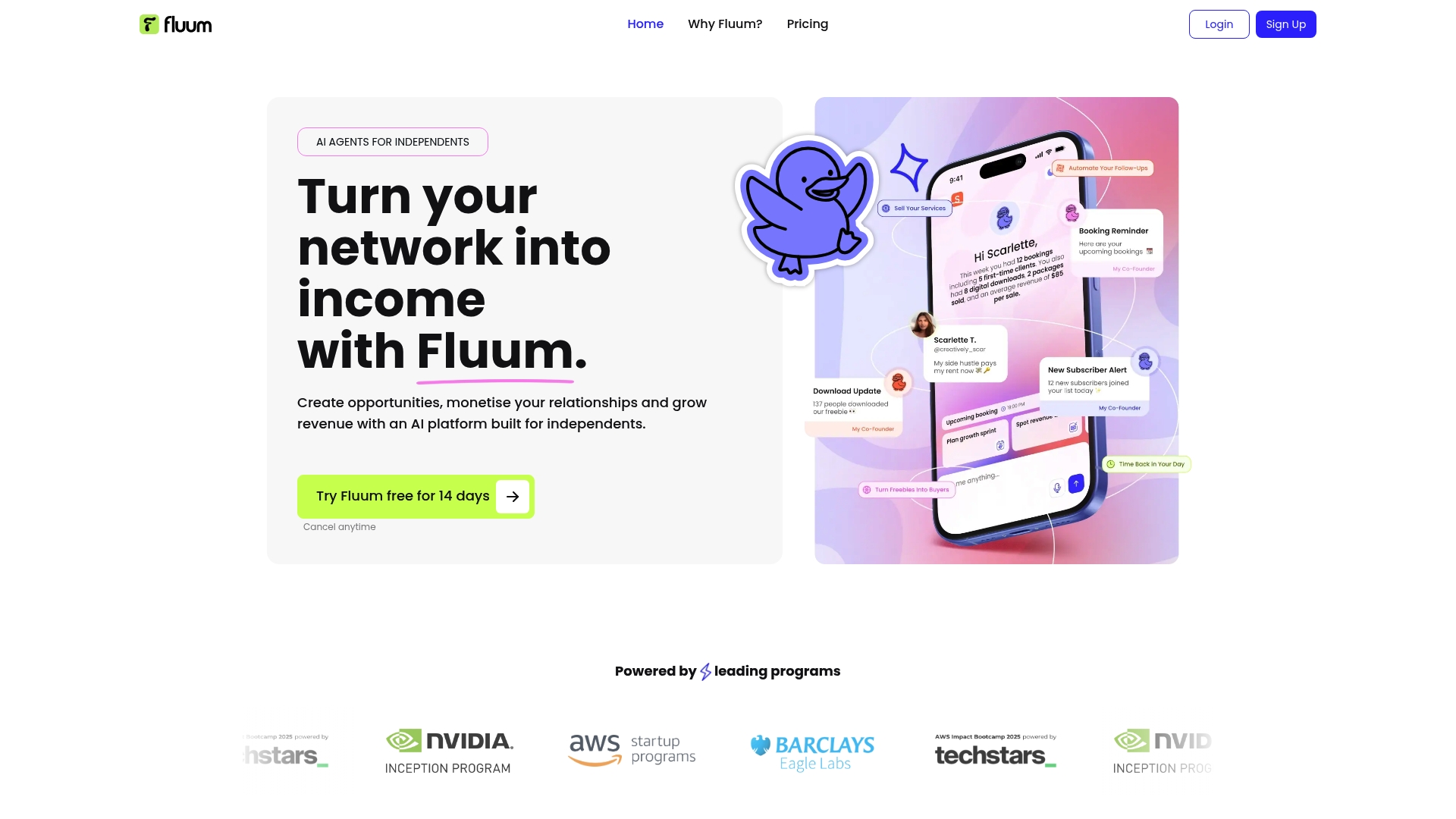
Fluum is an AI-driven platform built to turn your existing network into predictable revenue, specifically for solo providers and small businesses. It combines lead discovery, client management, scheduling, and payments into a single workflow so you spend less time on admin and more time doing client work. For independents who want an integrated, growth-oriented toolkit, Fluum delivers fast, usable results without a full sales team.
Core Features
Fluum’s core capabilities center on AI-assisted discovery and streamlined client operations. The platform offers AI-powered lead discovery on Instagram, automated client relationship management with unified profiles, and a branded storefront for bookings and purchases. Smart scheduling syncs with calendars, while automated payments, invoicing, and reminders simplify cash flow. An AI co-founder feature provides guidance on pricing, upselling, and strategy, and seamless integrations with Google Calendar, Stripe, and Mailchimp keep your tech stack connected.
Pros
- All-in-one platform tailored for independents: Fluum consolidates lead generation, bookings, payments, and client records so you don’t juggle multiple apps.
- AI guidance for business growth and client acquisition: The AI co-founder offers practical pricing and upsell suggestions that help you capture more revenue per client.
- Ease of use with onboarding support: The platform’s onboarding and intuitive interface get you operational quickly, reducing the learning curve that stalls many solo providers.
- Flexible subscription plans with a free trial: A 14-day free trial and multiple plan tiers let you test value before committing to a paid plan.
- Strong community trust with over 3,000 users: Early traction from thousands of independents demonstrates product-market fit for solo and small business workflows.
Who It’s For
Fluum is designed for solo entrepreneurs, freelancers, coaches, consultants, and creators who want an integrated platform to manage client work and grow revenue. If you sell sessions, digital products, or boutique services and rely on relationships more than cold outreach, Fluum fits your workflow. It’s especially useful for providers who prefer a single, cohesive system that handles discovery, conversion, and fulfillment.
Unique Value Proposition
Fluum’s unique value lies in combining social discovery with end-to-end business operations and actionable AI insights—built specifically for independents. Rather than forcing you to stitch multiple tools together, Fluum surfaces high-intent prospects from social channels, nurtures them through branded storefronts and scheduling, and closes the loop with built-in payments and invoices. The AI co-founder does more than automate tasks: it advises on pricing and upsells, turning data into decisions that increase revenue per client. Those design choices—focused scope, curated integrations, and AI-driven recommendations—make Fluum a superior single-pane solution for solo providers who value speed, clarity, and revenue impact.
Real World Use Case
A life coach uses Fluum to publish a branded storefront for discovery calls and coaching packages, sync sessions with Google Calendar, and accept payments through Stripe. The coach leverages AI-led outreach to find potential clients on Instagram, then relies on unified client profiles to track session history, contracts, and notes—freeing up time to refine programs and increase client retention.
Pricing
Plans start at $33/month for the Grow plan and $99/month for the Pro plan, with a 14-day free trial and annual billing options for discounts.
Website: https://fluum.ai
HoneyBook

At a Glance
HoneyBook is an AI-powered, all-in-one client relationship platform built to help independents and small businesses manage clients, projects, and payments from a single dashboard. It combines CRM, scheduling, proposals, contracts, invoicing, and automation with an emphasis on speed and professionalism. It’s strongest for US and Canadian users who want to replace multiple point tools with one cohesive system. Expect a modest learning curve if you adopt its deeper automation features.
Core Features
HoneyBook centralizes client management and project workflows into one platform. Core capabilities include CRM for contacts and project tracking, scheduling and calendar tools, proposal and contract creation with e-signatures, invoicing and online payments, and AI-driven automation and insights to streamline repetitive tasks. The platform also provides integrations with email, QuickBooks, and calendar apps, a client portal for easy communication, financial reporting and expense tracking, plus a mobile app to manage work on the go.
Simple. Focused.
Pros
- All-in-one consolidation: HoneyBook replaces separate CRM, invoicing, and contract tools so you can manage clients end-to-end in one place, reducing context switching and administrative overhead.
- AI automation for productivity: Built-in automation and AI insights speed routine workflows like follow-ups, scheduling, and payment reminders, helping you win time back for billable work.
- Supports online payments and invoicing: Integrated invoicing and payment processing let you accept deposits and final payments without forcing clients to use external portals.
- Customizable templates: Ready-made templates for proposals, contracts, and files let you quickly send polished, consistent documents that reinforce your brand.
- Community and education: HoneyBook pairs its product with resources and a community designed to help small business owners learn best practices and optimize workflows.
Cons
- Limited international availability: The platform currently focuses on the United States and Canada, which means international payments, taxes, or local compliance features may be limited for users outside those markets.
- Pricing for very small users: Plans can feel expensive for occasional or very low-volume users, since the value is strongest when you use multiple features consistently.
- Feature complexity and onboarding: The depth of functionality requires time to learn; small teams or solo owners may need onboarding to unlock advanced automation and integrations.
Who It’s For
HoneyBook is ideal for independents, creatives, consultants, coaches, and small business owners who want a single platform to manage client workflows from inquiry to payment. If you run event planning, creative services, or coaching engagements and value a professional, repeatable client experience, HoneyBook is a practical fit.
Unique Value Proposition
HoneyBook’s value lies in bundling CRM, contract and payment tools, and AI-driven automation into one unified experience tailored to small businesses. Rather than stitching together multiple apps, you get an integrated workflow that reduces admin time and presents a professional client-facing experience.
Real World Use Case
A wedding planner uses HoneyBook to capture inquiries, send branded proposals and contracts with e-signatures, schedule appointments, and process deposits and final payments — all while tracking expenses and generating reports for budgeting and vendor payments. The result: fewer missed payments, faster proposals, and a smoother client journey.
Pricing
Plans start at $29 per month billed yearly, with higher tiers at $49 and $109 per month, and HoneyBook also offers a free trial.
Website: https://honeybook.com
Dubsado
At a Glance
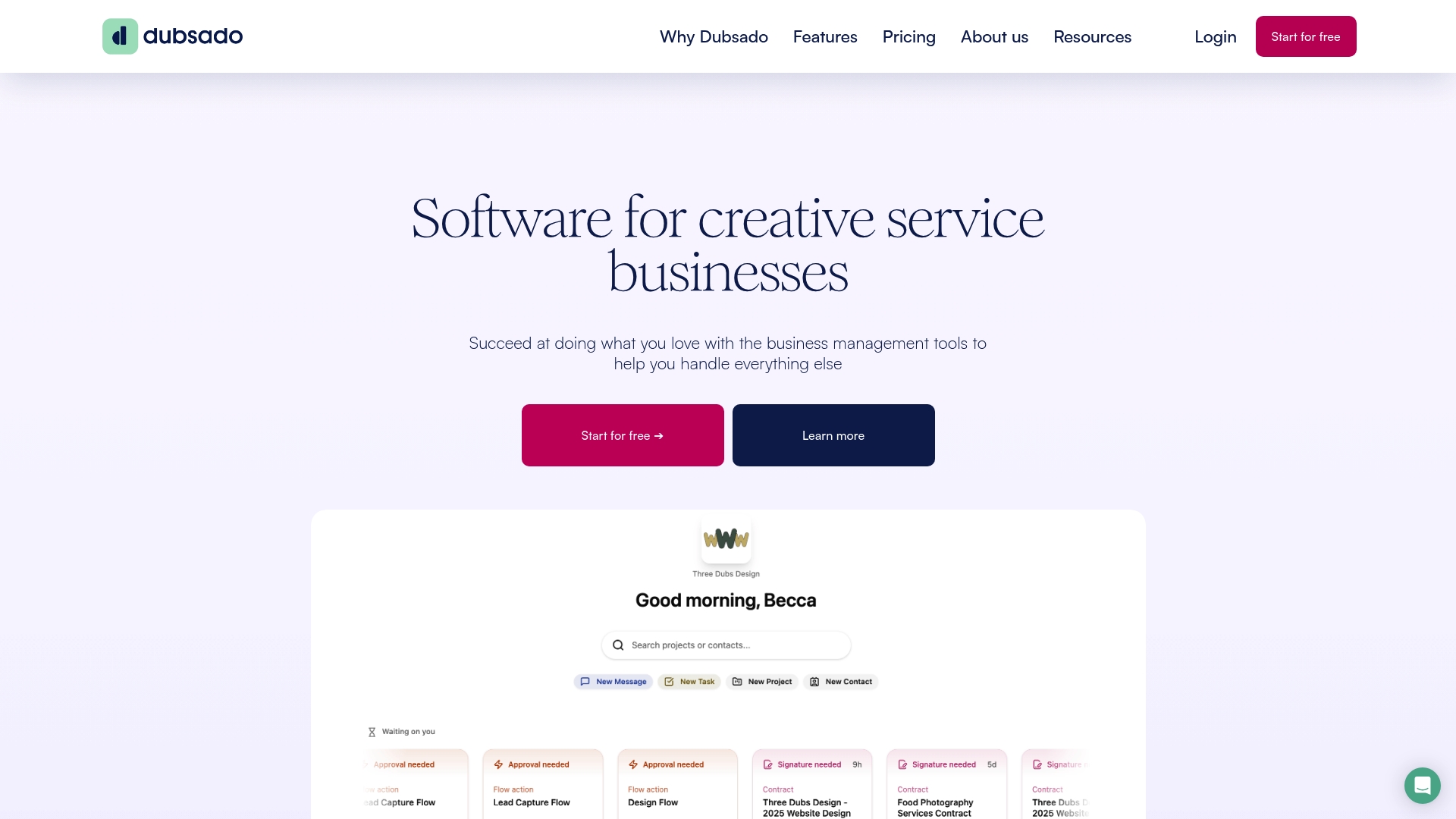
Dubsado is an all-in-one business management platform built for creative service entrepreneurs who want to automate repetitive tasks and keep client work organized. Trusted by over 120,000 creatives, it centralizes lead capture, onboarding, contracts, invoicing, and project tracking into a single interface and a companion mobile app. Bottom line: it’s a workflow engine for solo creatives and small teams that value automation and a polished client experience.
Core Features
Dubsado streamlines operations by creating repeatable processes and automating routine client interactions. You can capture and convert leads with embedded forms and polished proposals, onboard clients through automated workflows, and manage project details with dashboards, status tracking, and To-Do lists. Financial workflows are built in too: contract generation, invoicing, and payment collection are automated so billing doesn’t block your work.
Pros
- Comprehensive automation capabilities: Dubsado’s workflows and canned responses let you automate onboarding, follow-ups, and billing to reduce manual effort across your business.
- User-friendly interface for creative professionals: The platform presents templates, proposals, and client-facing pages in a visually polished way that matches creative brands without technical setup.
- All-in-one platform for managing various aspects of a business: Lead capture, proposals, contracts, project tracking, and payments live under one roof, cutting down on app switching and data fragmentation.
- Strong customer support and resources: The product emphasizes help and documentation, which helps new users get up to speed faster and fix setup problems without long delays.
- Mobile app for on-the-go business management: The mobile app lets you check projects, approve forms, and manage simple tasks when you’re away from your desk.
Cons
- Some advanced features are only available with higher-tier plans: Key automation and multi-brand functionality may be gated behind more expensive plans, limiting access for budget-conscious users.
- Limited bookkeeping integration in the basic plan: The entry-level offering lacks robust bookkeeping connections, which means you may still need a separate accounting tool for full financial reconciliation.
- Pricing may be higher for larger teams or more advanced needs: Costs rise when you add brands or additional users, making the platform pricier for growing teams that require scale.
Who It’s For
Dubsado is designed for creative service entrepreneurs—photographers, designers, coaches, and small agencies—who need a unified system to win clients and reduce admin time. If you run repeatable client services and want to automate proposals, contracts, and billing while preserving a branded client experience, Dubsado fits well.
Unique Value Proposition
Dubsado’s strength is packaging end-to-end client workflows into a single, visually appealing product tailored to creatives. It eliminates the friction between initial inquiry and final payment by turning manual handoffs into automated sequences that keep clients moving forward.
Real World Use Case
A photographer uses Dubsado to capture leads from a contact form, send a branded proposal with an embedded contract, and automatically issue invoices after a shoot. The automation frees the photographer to focus on shoots and marketing while the platform handles signatures, reminders, and payments.
Pricing
Dubsado sells annual plans: a Starter plan at $335 per year and a Premier plan at $525 per year, with additional costs for extra brands and users.
Website: https://dubsado.com
Bonsai
At a Glance
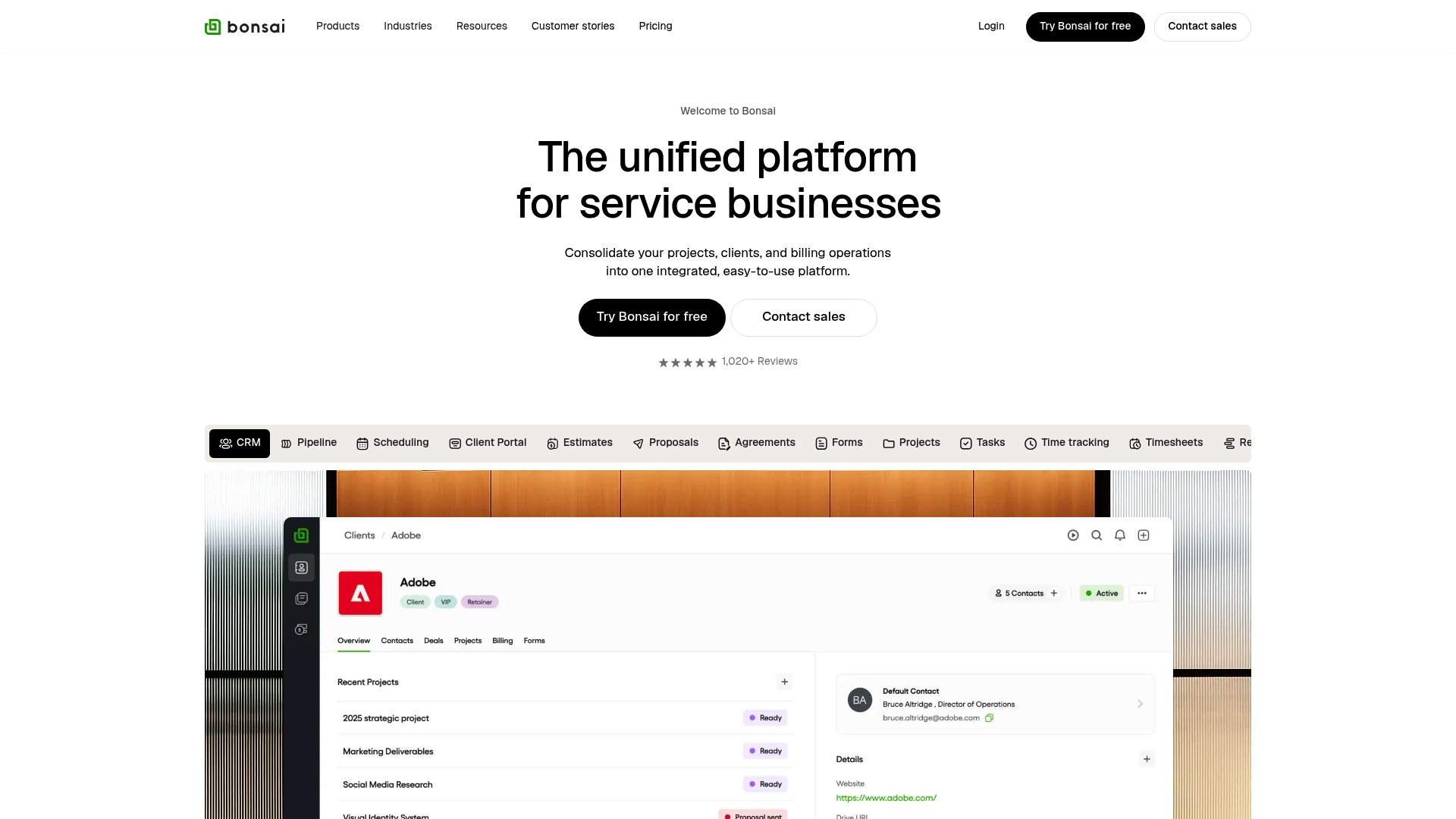
Bonsai is a unified platform built to consolidate projects, clients, and billing into a single workspace for service professionals. It combines CRM, project management, and finance tools so you can move from proposal to invoice without juggling multiple apps. For freelancers and small teams focused on billable work, Bonsai reduces administrative friction and helps keep projects profitable. It’s powerful, but the best features can require higher-tier plans.
Core Features
Bonsai’s core capabilities center on five pillars: CRM pipeline management; project tools including tasks, Gantt charts, and time tracking; financial management for invoicing, payments, and expense tracking; a client portal with automation; and reporting for profitability and productivity analysis. Those components are integrated so time entries feed invoices and project status links to client communication, which simplifies end-to-end workflows for service businesses.
Pros
- All-in-one coverage: Bonsai combines CRM, project, and financial tools so you rarely need separate platforms for core operations. This cuts context-switching and reduces tool sprawl.
- Plans for different team sizes: The platform offers tailored plans that fit solo freelancers up to small teams, which makes scaling more predictable as your workload grows.
- Automation saves time: Automated invoices, client portals, and workflow triggers reduce repetitive admin tasks and speed billing cycles.
- Solid integrations: Bonsai connects with tools like QuickBooks, Zapier, and Google Calendar, allowing you to stitch existing workflows into the platform.
- User-reported efficiency gains: Customer feedback highlights measurable time savings and improved project organization after adopting the platform.
Cons
- Technical interruptions reported: Some users experience outages or access problems tied to external services such as Cloudflare, which can temporarily block critical workflow access.
- Complex pricing structure: Multiple plans and add-ons can make it tricky to calculate total costs, especially for teams with mixed needs.
- Advanced features gated to higher tiers: Several of the most powerful reporting and automation tools are only available on upper-level plans, which may force upgrades.
Who It’s For
Bonsai is ideal for service providers, freelancers, and small to mid-sized teams in creative, marketing, consulting, or professional services who want a single platform to manage sales pipelines, projects, and cash flow. If you bill hourly, manage multiple clients, and want clearer visibility into profitability, Bonsai fits well.
Unique Value Proposition
Bonsai’s strength is its integrated workflow: proposals, time tracking, invoicing, and profit reports live in one place. That continuity turns scattered tasks into a predictable billing machine, helping you spend less time on admin and more on delivering client work.
Real World Use Case
A marketing agency uses Bonsai to track billable hours across campaigns, automate client invoices when milestones complete, and run real-time profitability reports to adjust staffing and pricing. The result: faster invoicing, fewer disputes, and clearer decisions about which projects to pursue.
Pricing
Multiple subscription plans range from $9 per user per month to $59 per user per month, with discounts available for annual billing and larger teams.
Website: https://hellobonsai.com
17hats
At a Glance
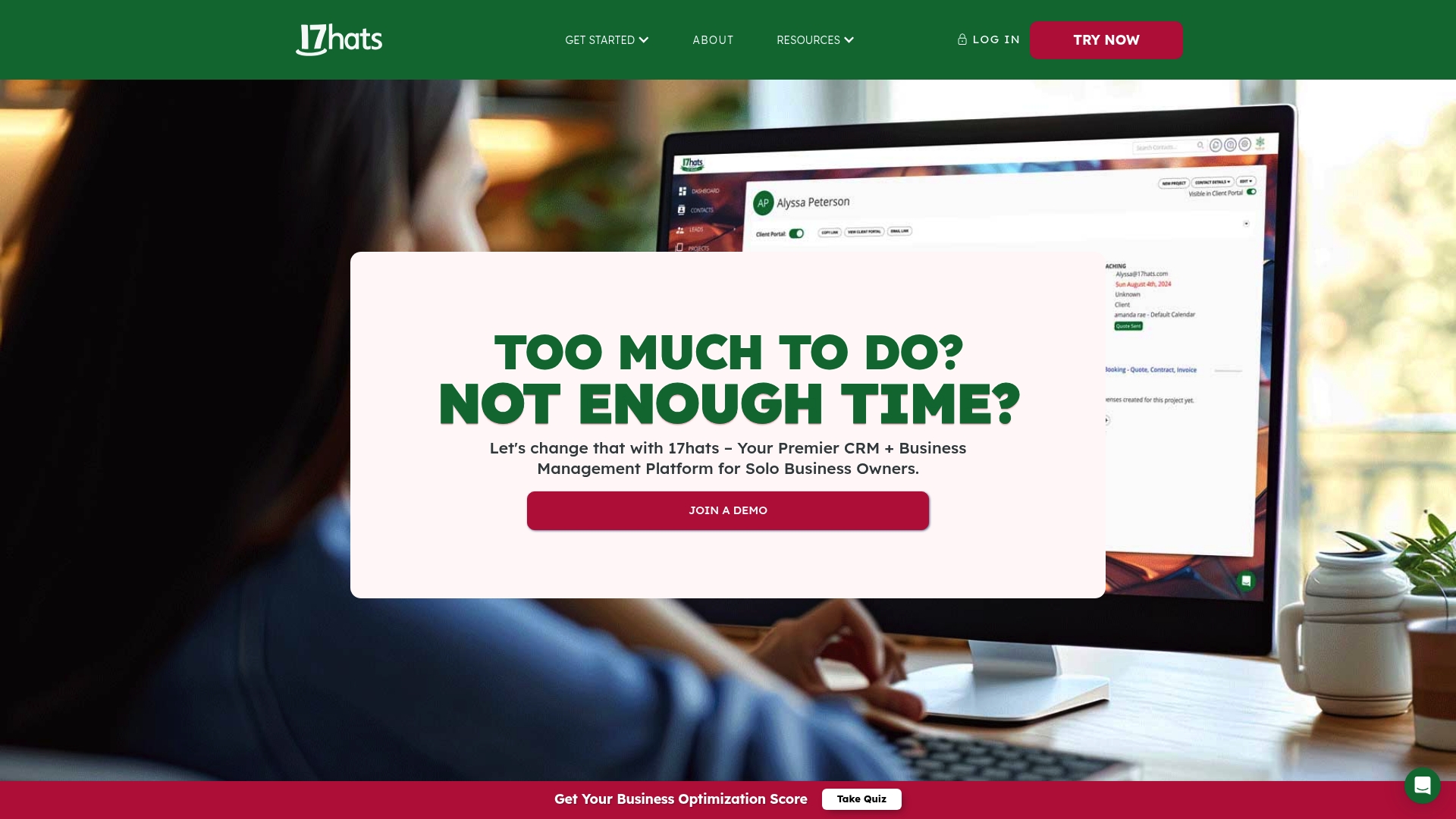
17hats is an all-in-one CRM and business management platform built for solo business owners and small teams who need to organize, automate, and scale without stitching together multiple apps. It bundles client management, invoicing, scheduling, document signing, and automated workflows into a single interface. The platform is powerful for service-based professionals but can feel feature-dense at first. If you want a unified system that streamlines client journeys from lead to invoice, 17hats is worth evaluating.
Core Features
17hats centralizes client management and project organization with custom fields and contact tracking that keep client histories tidy and searchable. The platform includes templates for emails, quotes, contracts, invoices, questionnaires, and workflows, plus 2-way email sync and automated responses to maintain consistent communication. Advanced plans add online scheduling with payments and Zoom integration, while Stripe and Square power online payment processing. Document management supports e-signatures and reminders, and built-in lead capture forms provide source reporting. Financial tools cover invoicing, bookkeeping, and sales tax reports, and the client portal permits secure document sharing and messaging. Automated To-Dos and client journey stages help you push work forward without manual follow-up.
Pros
- Comprehensive toolset in one place: 17hats integrates CRM, scheduling, invoicing, and automation so you can reduce app sprawl and keep client data centralized.
- Customizable templates and workflows: Built-in templates and workflow automation let you standardize client touchpoints and reduce repetitive manual tasks.
- Supports online payments and portals: Native support for Stripe and Square plus a client portal makes it easier for clients to pay and access documents.
- Automates routine tasks to save time: Automated emails, To-Dos, and client-journey triggers cut down on busywork and guard against missed steps.
- Multiple pricing plans and a free trial: A 7-day trial and tiered plans let you test features before committing.
Cons
- Pricing can be steep for some small businesses: Entry-costs and add-on fees may strain solo operators or startups with limited cash flow.
- Noticeable learning curve for new users: The breadth of features requires setup time and some trial-and-error to get workflows optimized.
- Key features can increase total cost: Items like bank connection and advanced online scheduling are add-ons in certain plans and may raise your monthly bill.
Who It’s For
17hats is tailored to solo entrepreneurs and small service businesses—photographers, coaches, designers, wedding professionals, and consultants—who need a single platform to manage clients, contracts, payments, and workflows. If you prefer an integrated system that replaces several point tools and you can invest a bit of time in configuration, 17hats aligns well with your needs.
Unique Value Proposition
17hats stands out by combining client relationship management with the transactional and operational tools small service businesses need: proposals, contracts, scheduling, payments, and bookkeeping. That consolidation reduces friction between sales and delivery and makes it easier for you to run your business from one place rather than at least three or four separate apps.
Real World Use Case
A wedding photographer uses 17hats to capture leads from a website form, automatically send a contract and invoice, schedule a consultation via the built-in scheduler, accept deposits through Stripe, and track bookkeeping and sales tax—all while routing client questions through a dedicated portal. Automation handles reminders and To-Dos so the photographer focuses on shoots and client experience.
Pricing
Prices start at $60/month for an annual plan with discounts for longer commitments; plans include monthly, annual, and bi-yearly options with a 7-day free trial. Specific plans provide different features and limits, with an all-inclusive plan at $600/year (or $50/month billed annually).
Website: https://17hats.com
Business Management Tools Comparison
This table compares Fluum, HoneyBook, Dubsado, Bonsai, and 17hats, highlighting their main features, target users, pricing, and unique advantages to help you choose the right platform for your business needs.
| Product | Features | Pros | Pricing | Best For |
|---|---|---|---|---|
| Fluum | AI-assisted lead discovery, client management, scheduling, payments, AI co-founder | All-in-one for independents, AI business growth suggestions, 14-day free trial | $33/month (Grow), $99/month (Pro), 14-day trial | Solo entrepreneurs, freelancers, consultants |
| HoneyBook | CRM, scheduling, contracts, invoicing, AI automation | All-in-one consolidation, AI productivity boost, online payments | $29/month (annually), up to $109/month, free trial | Independents, creatives, small business owners |
| Dubsado | Lead capture, onboarding, contracts, invoicing, project tracking | Comprehensive automation, user-friendly interface, mobile app | $335/year (Starter), $525/year (Premier), additional costs for extras | Creative service entrepreneurs, photographers, designers |
| Bonsai | CRM, project management, invoicing, client portal, reporting | All-in-one coverage, automation efficiency, solid integrations | $9 to $59/user/month, discounts for annual billing | Service providers, freelancers, small teams |
| 17hats | CRM, invoicing, scheduling, document signing, automation | Comprehensive toolset, customizable templates, supports online payments | $60/month, $600/year (all-inclusive), 7-day trial | Solo entrepreneurs, photographers, coaches, consultants |
Unlock Predictable Revenue with Fluum’s AI-Powered Client Management
The article highlights the challenges solo entrepreneurs and small business owners face managing client relationships while growing revenue without a full sales team. If you struggle with juggling lead discovery, scheduling, and payments across multiple tools and want a smart solution that understands buying intent and delivers warm introductions, Fluum offers exactly what you need. Fluum’s AI co-founder uses social intelligence to identify high-intent clients within your network so you can connect faster and close more—not wasting time on cold outreach or guesswork.
Fluum goes beyond automation by automating personalized warm introductions and managing follow-ups, turning your existing contacts into a steady pipeline of real business. If you seek an integrated, growth-focused platform to boost your client acquisition and reduce admin hassle, discover how Fluum can help you now.
Ready to grow your business smarter and faster? Explore Fluum’s pricing plans and find the right level to start transforming your network into revenue today. Learn more about how Fluum supports solos and freelancers to generate warm leads and close deals without cold outreach at Fluum.ai. Don’t wait let Fluum be your personal business development engine so you can focus more on what you love.
Frequently Asked Questions
What features should I look for in client management software for 2025?
When selecting client management software, prioritize features like lead tracking, scheduling, invoicing, and automation tools. Evaluate how these features can streamline your workflow and save time on administrative tasks, enabling you to focus on client relationships effectively.
How can client management software improve my client retention?
Client management software can enhance client retention by providing tools for tracking interactions, managing follow-ups, and automating reminders. Implement these features to keep communication regular and personalized, which can increase client loyalty and retention by approximately 20% over time.
What are some common pricing models for client management software?
Common pricing models for client management software include monthly subscriptions, annual plans, and pay-per-use options. Assess the total cost of ownership based on your usage needs and expected growth, which can help you choose the most economical plan fitting your budget.
How long does it take to set up client management software?
Setting up client management software typically takes anywhere from a few days to a couple of weeks, depending on the complexity of the system and your organization’s specific needs. Plan to allocate time for training yourself and your team, which can reduce onboarding time by 30% and ensure a smooth transition.
Can client management software integrate with other tools I use?
Most modern client management software offers integration capabilities with popular tools like email services, calendars, and financial software. Ensure you verify the available integrations during your selection process to create a seamless workflow that enhances productivity and reduces duplicated efforts.
What metrics should I track to evaluate the effectiveness of client management software?
To evaluate the effectiveness of client management software, track metrics like client acquisition costs, retention rates, and overall revenue per client. By focusing on these key performance indicators, you can measure improvements and optimize your processes for better outcomes.
Recommended
- Understanding Client Management Strategies For Success
- What Is Client Management? Understanding Its Importance
- What Is Client Portal? Complete Guide For Solopreneurs
- Fluum | Effective Stress Management Techniques for Busy Professionals
- Fluum | How to Onboard Clients Effectively for Lasting Success
- Fluum | Master Managing Multiple Projects for Success
- Fluum | Build Your Brand with a Branding Builder in 2025
- Fluum | 7 Customer Retention Examples to Boost Your Business