


Every American entrepreneur dreams of launching a business website that truly connects with the right clients. Yet, more than 60 percent of new online ventures struggle to attract and retain their target audience, this is why it is important to learn how to create a business website. Defining your business goals and pinpointing your ideal clients is the first crucial step to online success. This guide reveals a clear, proven process to help American business owners create a website that stands out and drives real results.
Table of Contents
- Step 1: Identify Your Business Goals And Ideal Clients
- Step 2: Set Up Your Fluum Storefront In Minutes
- Step 3: Add Your Services And Craft Compelling Offers
- Step 4: Customize Your Checkout And Branding
- Step 5: Test Your Storefront Functionality Before Launch
Quick Summary
| Key Point | Explanation |
|---|---|
| 1. Define Business Goals Clearly | Set measurable objectives such as acquiring new clients rather than vague statements like “grow my business.” |
| 2. Conduct Detailed Market Analysis | Use SWOT analysis and client personas to understand your ideal customers and their needs effectively. |
| 3. Customize Your Storefront | Upload your logo and use brand colors for a cohesive identity that reflects your unique business. |
| 4. Create Compelling Service Offers | Design service descriptions to highlight specific benefits and transformational results for clients. |
| 5. Test Functionality Before Launch | Review storefront thoroughly to ensure accuracy and a seamless user experience for potential clients. |
Step 1: Identify your business goals and ideal clients
Learnng how to create a business website starts with crystal clear understanding of your goals and target audience. The Market Opportunity Navigator suggests entrepreneurs must strategically generate potential market opportunities and evaluate their attractiveness before launching.
To pinpoint your ideal clients, begin by conducting a comprehensive market analysis using techniques from University of York’s Enterprise Works. Start by performing a detailed SWOT analysis that examines your business strengths, weaknesses, opportunities, and potential threats. This process will help you create precise client personas representing your most valuable potential customers.
Consider developing a client profile that includes key demographic information, professional challenges, income levels, and specific pain points your services will address. By mapping out these detailed characteristics, you can design a business website that speaks directly to your target audience’s needs. Your website should reflect not just what you offer, but how you solve specific problems for your ideal clients.
Pro tip: When defining your business goals, focus on measurable objectives. Instead of vague statements like “grow my business,” set specific targets such as “acquire 10 new clients in the first quarter” or “generate $5000 in monthly recurring revenue.” These concrete goals will guide your website design and marketing strategy.
Step 2: Set up your Fluum storefront in minutes
Building your online business storefront has never been faster. Fluum’s help center provides a streamlined process that allows you to create a professional online presence in just minutes.

To get started, sign up for a Fluum account and navigate to the storefront setup wizard. The platform offers an intuitive interface where you can quickly upload a professional profile photo, define your services, and set your availability. Fluum’s AI-powered system helps you create a compelling profile that highlights your unique skills and offerings.
One of the most powerful features is the platform’s real-time editing capability. Using the Edit from Preview mode, you can make instant changes directly from your client-facing page. This means you can fine-tune your brand settings, service listings, and professional details on the fly, ensuring your storefront always looks polished and up to date.
Pro tip: Take advantage of Fluum’s AI recommendations when setting up your profile. The platform can suggest optimal ways to showcase your services, helping you create a more attractive and professional storefront that speaks directly to your ideal clients.
Step 3: Add your services and craft compelling offers
Creating an attractive service catalog is crucial for converting potential clients on your Fluum storefront. Fluum’s Help Center provides a straightforward process for managing and presenting your professional services effectively.
Navigate to the service management section of your storefront, where you can easily add detailed listings for each service you offer. When crafting your service descriptions, focus on communicating the specific value and outcomes clients will receive. Include precise details such as service duration, pricing, and unique benefits that set you apart from competitors. The platform allows you to add, remove, and reorder service categories with remarkable flexibility, ensuring your offerings remain dynamic and aligned with your business goals.
The key to creating compelling offers is understanding your clients potential needs and pain points. Develop service descriptions that speak directly to the transformational results you can deliver, rather than simply listing technical specifications. Use clear, concise language that highlights the tangible benefits clients will experience by working with you.
Pro tip: Consider creating service packages or tiered offerings that provide clients with multiple engagement options. This approach allows potential customers to choose a service level that best matches their budget and needs, increasing the likelihood of conversion.
Step 4: Customize your checkout and branding
Branding is your visual signature that sets you apart from other service providers. Fluum’s Help Center provides comprehensive guidance on creating a professional and cohesive online presence that reflects your unique business identity.
In the branding section of your storefront, you can upload your business logo, select brand colors that match your visual style, and customize various profile elements. For Grow Plan subscribers, the platform offers advanced customization options including automated client communication templates. Take time to carefully select visual elements that represent your professional brand and create a consistent look across your entire storefront.
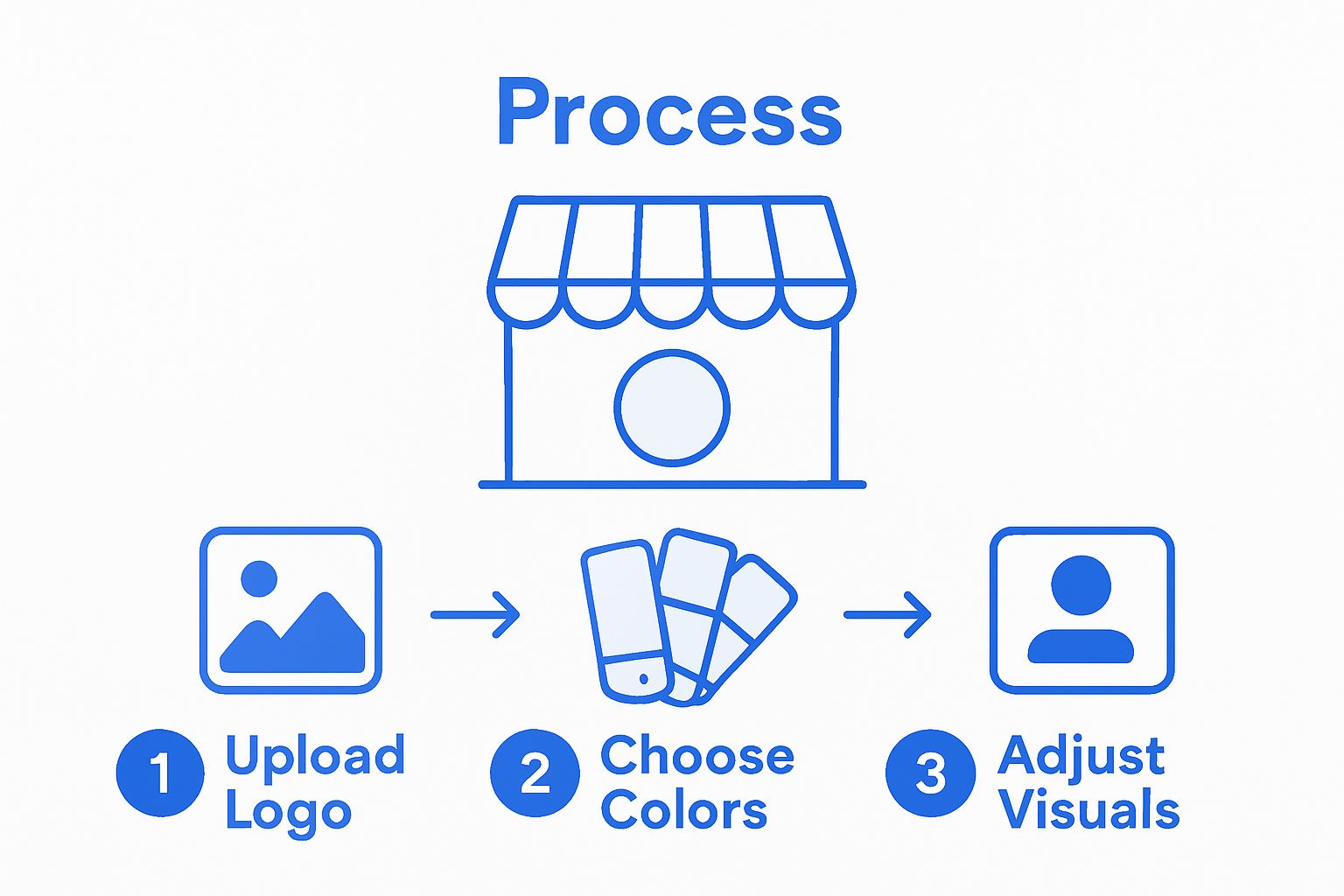
The checkout process is your final opportunity to make a strong impression on potential clients. Customize your profile settings to include details like available languages, professional background, and unique service offerings. Pay special attention to your header image and profile photo, as these are the first visual elements potential clients will encounter.
Pro tip: Consider using brand colors and design elements that evoke the emotional response you want clients to experience. Your visual branding should communicate professionalism, trustworthiness, and the unique value you bring to your services.
Step 5: Test your storefront functionality before launch
Before going live, thoroughly examining your storefront ensures a professional first impression for potential clients. Fluum’s Help Center recommends using the Edit from Preview mode to meticulously review every aspect of your online presence.
Carefully navigate through each section of your storefront, checking that all service descriptions are accurate, pricing is correctly displayed, and booking workflows function smoothly. Verify that your profile photo appears crisp, brand colors render correctly, and contact information is up to date. Take advantage of the platform’s preview capabilities to simulate the exact experience potential clients will have when discovering and booking your services.
Pay special attention to mobile responsiveness, as many clients will access your storefront from smartphones or tablets. Test the booking process multiple times, ensuring that each step works seamlessly and that automated communication templates trigger correctly. Verify that your unique booking URL generates and displays properly across different devices and browsers.
Pro tip: Ask a trusted colleague or friend to review your storefront from a client perspective. Fresh eyes can often catch small details or user experience issues that you might have overlooked during your own testing process.
Accelerate Your Business Website Launch and Client Growth with Fluum
Building your business website fast is just the first step to turning visitors into paying clients. The article highlights crucial goals such as creating a compelling service catalog and customizing your storefront branding to truly connect with your ideal audience. Yet even a polished storefront needs a powerful engine to find high-intent clients who are actively seeking your services without the frustration of cold outreach.
Fluum solves this by acting as your AI-powered business development partner that uncovers hidden opportunities within your network using warm introductions and social intelligence. This means instead of waiting for clients to discover your new website, Fluum helps you find and connect with ready-to-buy prospects through personalized, automated conversations. By combining your flawless storefront created quickly with Fluum’s smart lead generation, you focus less on chasing leads and more on growing revenue.
Ready to transform your brand presence into a steady stream of new clients? Experience the synergy of a professionally set up website and intelligent warm intros.

Get started today by exploring Fluum’s pricing and plans. Discover how to quickly build your storefront with AI guidance and activate real business momentum through meaningful connections. Take control of your client pipeline now with Fluum, your complete solution for faster growth and less guesswork.
Frequently Asked Questions
How can I identify my ideal clients when creating a website with Fluum?
To identify your ideal clients, conduct a market analysis and create detailed client profiles that include demographic information and pain points. Start by performing a SWOT analysis to pinpoint your business strengths and target audience, then use this information to guide your website design.
What steps do I need to take to set up my Fluum storefront quickly?
To set up your Fluum storefront, sign up for an account and follow the storefront setup wizard. You can upload your professional profile photo, define your services, and set your availability within minutes, allowing you to establish a professional online presence quickly.
How do I add and describe my services on my Fluum storefront?
To add services to your Fluum storefront, navigate to the service management section and create detailed listings for each service. Focus on specific value, pricing, and benefits that set you apart, helping potential clients understand the outcomes they can expect.
What branding elements should I customize for my Fluum storefront?
Customize your storefront branding by uploading your business logo, choosing brand colors, and adjusting profile elements to reflect your business identity. This ensures a cohesive online presence that communicates professionalism to potential clients.
How can I test my Fluum storefront functionality before launching?
Thoroughly test your Fluum storefront by using the Edit from Preview mode to review each section for accuracy and functionality. Make sure all service descriptions, pricing, and booking workflows are correct and test the mobile responsiveness to enhance user experience.
What should I do if I want feedback on my storefront before going live?
Ask a trusted colleague or friend to review your storefront from a client’s perspective. Fresh eyes can help identify any issues or details you may have overlooked, ensuring a polished presentation when you finally launch your website.
Recommended
- Fluum | Effective Stress Management Techniques for Busy Professionals
- Fluum | How to Onboard Clients Effectively for Lasting Success
- Fluum | Master Managing Multiple Projects for Success
- Fluum | Build Your Brand with a Branding Builder in 2025
- Fluum | 7 Customer Retention Examples to Boost Your Business