

Discover top AI business assistants. Running a business on your own brings unexpected challenges and endless tasks. Juggling clients, schedules, sales, and outreach often leaves little room for growth or creativity. The right tools can make all the difference, turning routines into opportunities and chaos into clarity. Imagine having access to digital assistants that not only handle busywork but actually help uncover new business and make smarter decisions. Curious about what is possible when AI becomes a true partner and not just another app on your list? Take a closer look at what these new platforms offer and how independent professionals and teams are changing the way they work.
Table of Contents
Fluum
At a Glance
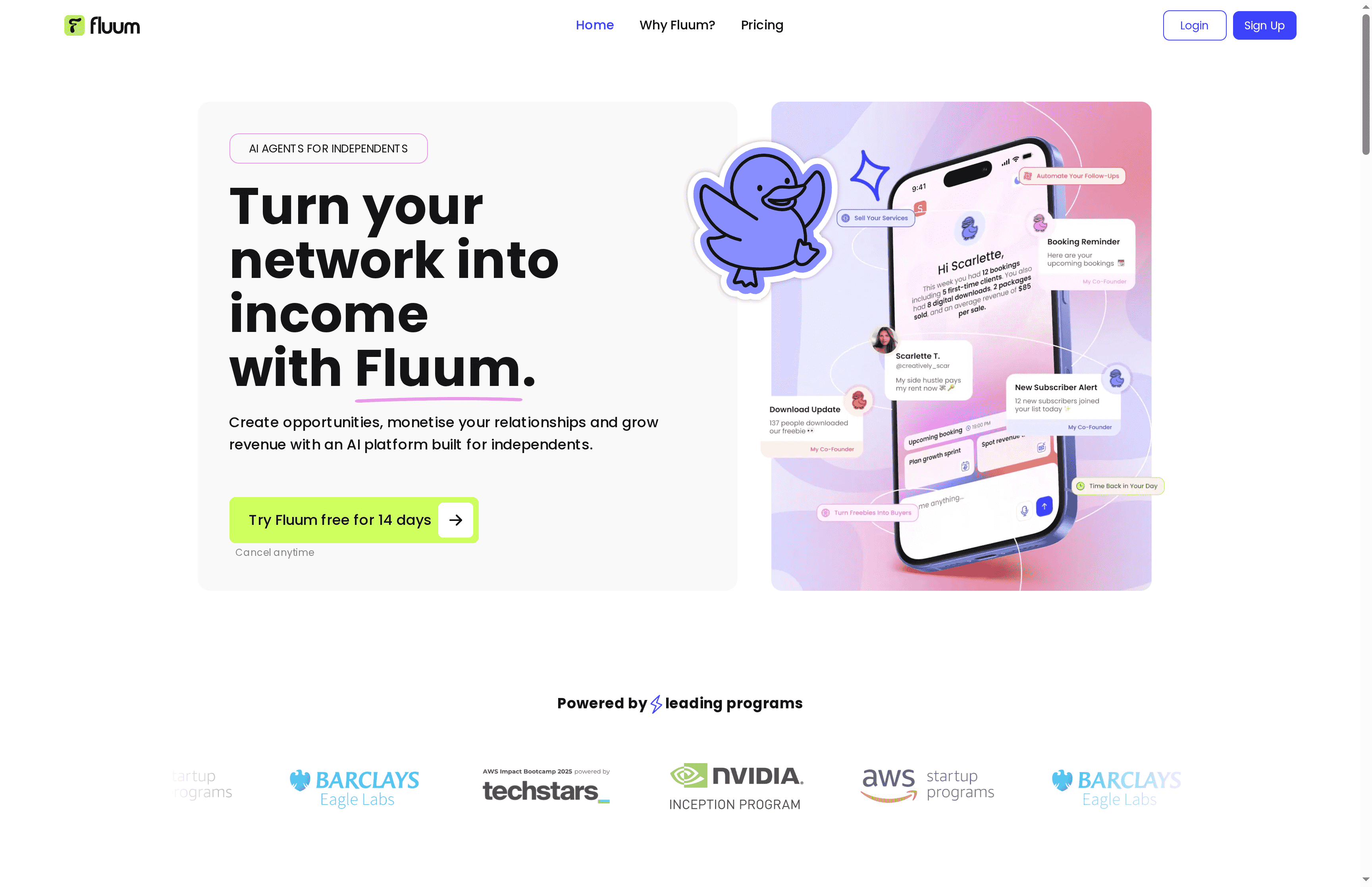
Fluum is an AI-powered platform designed for solopreneurs and freelancers (creatives, coaches, consultants) who want to scale their businesses without the overhead of a full team. Its core is an AI co-founder made of multiple specialized agents that automate daily operations—from sales outreach to client and payment management—so you can focus on delivering services. Bottom line: Fluum combines CRM, storefront, payments, and AI-driven growth guidance into a single experience that’s built specifically for independent professionals.
Core Features
Fluum’s main capabilities center on an AI super-connector that discovers opportunities and hidden overlaps inside your network, plus an AI co-founder that suggests pricing, packages, and upsells. The platform includes a client CRM with profiles, notes, contracts, and session history; a branded storefront for booking sessions, selling packages, and digital products; and automated payments with invoices, receipts, and reminders via Stripe (or similar) integrations. It also learns from your behavior and goals to continuously adapt recommendations and workflows, and it can find and engage potential clients on Instagram, manage communication, and handle scheduling.
Pros
- All-in-one consolidation: Fluum replaces multiple single-purpose tools by consolidating client management, bookings, storefronts, and payments into one platform, reducing tool fatigue and billing complexity.
- AI-driven growth insights: The AI co-founder provides data-backed suggestions for pricing, packages, and upsells that can increase revenue and reduce guesswork.
- Designed for quick onboarding: Features and flows are tailored to solo providers so you can get set up quickly without enterprise-level complexity.
- Seamless integrations: Fluum connects with tools you already use—Google Calendar, Stripe, Mailchimp—so existing workflows remain intact.
- Flexible pricing model: Monthly plans start affordably, include a 14-day free trial, and offer discounts for annual commitments to suit growing businesses.
Who It’s For
Fluum is built for solo entrepreneurs, coaches, consultants, and creatives who want an intelligent partner to manage operations and amplify revenue without hiring staff. If you spend more time on admin than client work, or if you want to monetize your network and run a professional storefront, Fluum is designed to fit your workflow and scale with your ambitions.
Unique Value Proposition
Fluum’s uniqueness lies in combining an adaptive AI co-founder with multiple specialized agents tailored to the lifecycle of a solo business: discover, engage, convert, and fulfill. Unlike fragmented tool stacks, Fluum actively learns from your interactions to refine pricing, suggest upsells, surface hidden opportunities in your network, and even engage prospects on Instagram. The result is a strategic growth partner that not only automates routine tasks but delivers contextual, revenue-focused recommendations. This depth of automation and continuous learning—packaged specifically for independents—gives Fluum a clear advantage in speed-to-value and long-term business impact.
Real World Use Case
A transformational coach uses Fluum to present services on a unified storefront, manage bookings and calendar conflicts, send automated client reminders, and process payments securely. The AI co-founder recommends optimized pricing tiers and identifies upsell opportunities, which simplifies operations and measurably increases revenue.
Pricing
Monthly plans start at $33 with an optional higher tier at $99; both include a 14-day free trial and discounts for annual commitments. These tiers are designed to scale with your business needs.
Website: https://fluum.ai
11x

At a Glance
11x delivers AI-driven “digital workers” that blend machine intelligence with human oversight to automate sales, RevOps, and go-to-market tasks. It runs 24/7, supports multiple languages, and emphasizes enterprise-grade security and continuous learning to improve outcomes over time. If you need scalable outreach, contextual memory, and deep integrations, 11x is built to handle those needs — though pricing details are not publicly clear.
Core Features
11x provides purpose-built digital workers for sales, revenue operations, and go-to-market teams that handle prospecting, engagement, and lead qualification. The platform supports multilingual interactions and continuous learning so agents improve with use, while customized contextual memory preserves relevant customer history across conversations. Deep orchestration across your tech ecosystem lets 11x plug into existing CRMs and workflows, and enterprise security and compliance measures aim to make the solution deployment-ready for regulated environments.
But here’s the catch. Pricing transparency is missing.
Pros
- Transformative AI-powered digital workforce: 11x automates repetitive outreach and qualification tasks to free your team for higher-value work.
- Enterprise security standards and compliance: The platform is positioned for enterprise readiness, which reduces friction when you handle sensitive customer data.
- Continuous learning enhances performance: Digital workers adapt over time, improving conversion quality and reducing manual tuning.
- Seamless integration with existing systems: Deep orchestration means 11x can work with your current tech stack instead of forcing a rip-and-replace.
- Multiple use cases including prospect engagement and lead qualification: The product explicitly supports outreach scaling, multi-channel engagement, and operational efficiency initiatives.
Cons
- Limited pricing transparency: The product data does not include details on plans or costs, which makes budgeting and ROI calculations difficult before contacting sales.
- Potential implementation complexity: Depending on your existing infrastructure, integration and orchestration could require technical resources and planning.
Who It’s For
11x is aimed at sales, revenue operations, and go-to-market teams that want to automate repetitive touchpoints, scale outreach, and improve lead qualification without hiring large teams. If you run a small sales organization or are a solopreneur with growth goals, 11x can be compelling — provided you have the technical setup to integrate it or access to a partner who can help.
Unique Value Proposition
11x stands out by offering always-on digital workers that combine AI with human oversight, plus contextual memory and multilingual support. That mix is valuable when you need consistent, scalable engagement across channels and languages while maintaining enterprise security and integration flexibility.
Real World Use Case
A concrete example: Gupshup reportedly increased SQLs by more than 50% per SDR after deploying 11x digital workers for prospecting, engagement, and lead qualification. That outcome illustrates how automated, persistent outreach plus quality handoffs can materially lift pipeline without proportional headcount growth.
Pricing
Pricing is unknown from the provided data; the vendor appears to require direct contact for plan and cost details. Expect enterprise-oriented commercial terms and a likely need to discuss integration scope before getting a quote.
Website: https://11x.ai
Happenstance
At a Glance
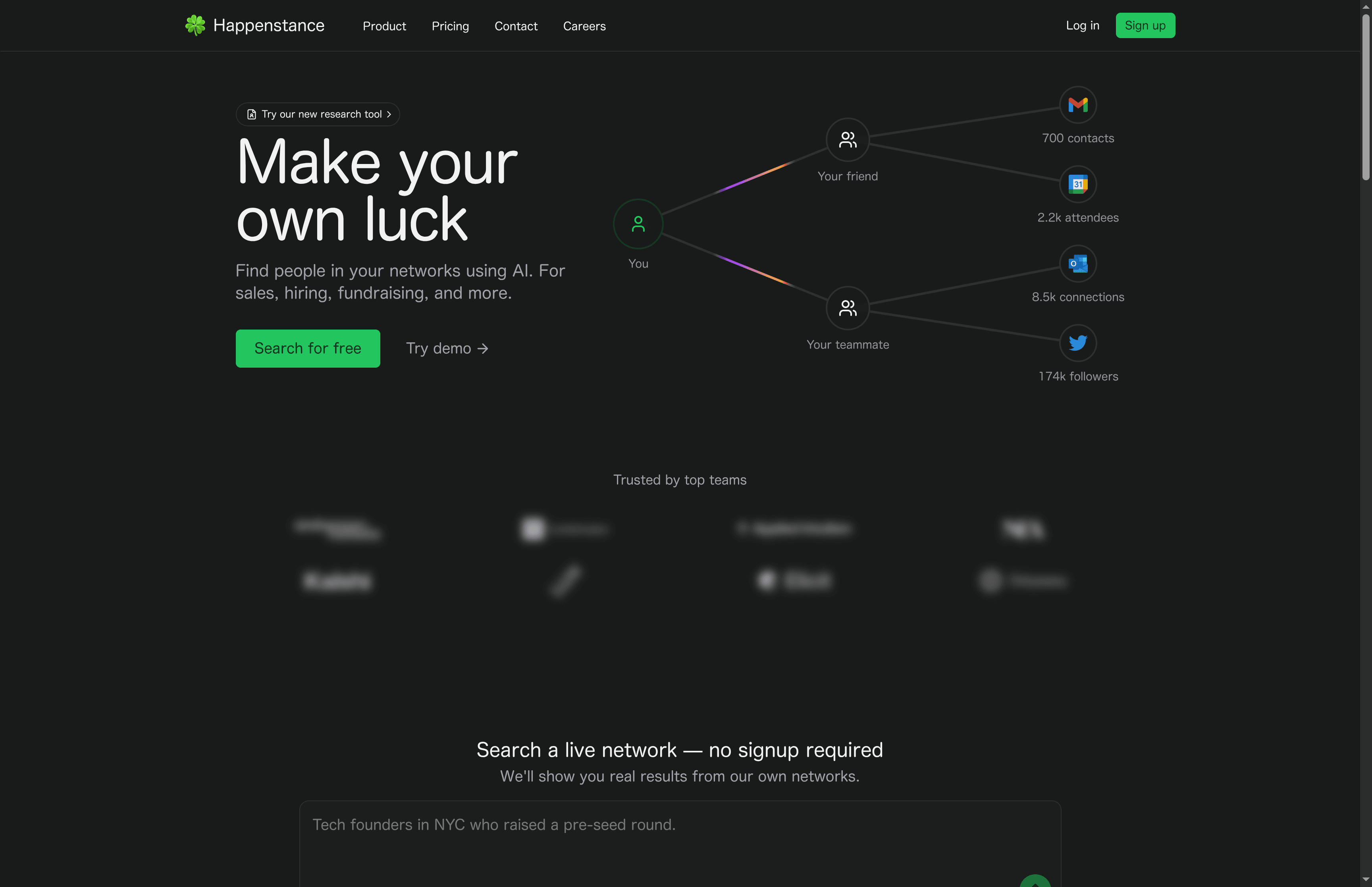
Happenstance is a lightweight research tool that turns your personal networks into a searchable asset using AI-powered social graph search. It excels at finding real people in your own contacts and social feeds for use cases like sales outreach, hiring, and fundraising. The interface favors natural language queries and integrates with X/Twitter, Slack, and email workflows, making targeted searches feel fast and intuitive.
Core Features
Happenstance’s core capability is deep social network search driven by natural language input: describe the profile you need and the system surfaces matches from your synced networks. It syncs with X/Twitter accounts, lets you share networks with colleagues or groups, and plugs into Slack and email to trigger automatic searches or surface leads inside existing workflows. The platform focuses on making connections actionable rather than presenting anonymous data.
Pros
- Deep search across personal networks: Happenstance searches inside your own contacts and synced social feeds to return results grounded in real relationships.
- User-friendly natural language queries: You can describe who you’re looking for in plain English and get relevant matches without building complex filters.
- Multiple integration options including Slack and email: The tool fits into daily workflows by sending results into Slack channels or email, reducing context switching.
- Free to use with basic features: A no-cost tier means you can test core functionality before committing to a paid plan.
- Real-time search results from own networks: Because it queries your live networks, results reflect current activity and connections rather than stale databases.
Cons
- Limited data security information provided: The product data does not detail encryption, retention policies, or compliance, which raises questions about how sensitive contact data is protected.
- Advanced features require subscription: Access to unlimited searches and additional capabilities is gated behind a premium plan, so heavy users will pay to unlock full value.
- Potential privacy concerns with network sharing: Sharing networks with friends or groups could expose contacts in ways some users might not expect, creating risk if sharing controls are unclear.
Who It’s For
Happenstance is best for professionals who depend on personal networks to generate opportunities—founders, recruiters, fundraisers, and sales-focused solopreneurs. If your pipeline relies on warm intros, alumni connections, or social presence, this tool helps you find and prioritize the exact people you should contact.
Unique Value Proposition
Happenstance’s unique edge is turning your existing, often scattered networks into an actionable marketplace of connections through natural language search and live integrations. Instead of buying lists, you mine relationships you already have—making outreach warmer, faster, and more relevant.
Real World Use Case
A founder in NYC uses Happenstance to find pre-seed investors who are Stanford alumni and active on Twitter, then surfaces those matches into Slack for quick outreach and collaboration with co-founders. That workflow shortens the research-to-contact timeline from days to hours.
Pricing
Happenstance is free forever at a basic level; a premium plan is available at $24 per month, billed yearly, which unlocks unlimited searches and additional features.
Website: https://happenstance.ai
Sintra
At a Glance
Sintra provides a suite of specialized AI helpers designed to automate routine business tasks across marketing, support, sales, and operations. Its strength lies in breadth—AI assistants for social media, customer support, data analysis, recruitment, and more—combined with deep integrations and multilingual support. For businesses willing to invest time in setup, Sintra can replace repetitive workflows and free you to focus on strategy. However, smaller solo operators may find the platform’s pricing and initial complexity a barrier.
Core Features
Sintra offers a collection of AI helpers tailored to specific business functions, plus automation tools for posting, comment responses, meeting summaries, travel planning, and campaign flows. It supports real-time collaboration across multiple workspaces, customizable AI profiles, and integrations with popular tools like Google Calendar, Notion, Facebook, Gmail, and Shopify. The platform supports over 100 languages, enabling global operations, and centers on automating routine work to improve productivity and drive growth.
Pros
- Wide range of specialized AI helpers: Sintra covers many business functions so you can centralize social, support, marketing, recruitment, and sales automation in one platform.
- Robust integrations: Native connections to tools like Google Calendar, Notion, Facebook, Gmail, and Shopify make it easier to plug Sintra into existing workflows.
- Multilingual support: With support for over 100 languages, Sintra can serve global customers and teams without language gaps.
- Collaboration and customization: Shared workspaces and customizable AI profiles let teams align assistants to brand voice and process.
- Risk reduction with a guarantee: A 14-day money-back guarantee provides a trial window to evaluate fit and performance.
Cons
- Pricing can be high for small businesses: The platform’s tiered pricing and premium packages may strain budgets for solo entrepreneurs and very small teams.
- Onboarding complexity for beginners: The variety of helpers and integration options can be overwhelming for users without technical experience or time to configure workflows.
- Dependence on integrations: Some features rely on third-party tool connections, which means additional setup and potential points of failure.
Who It’s For
Sintra is best suited to entrepreneurs, small and medium-sized business owners, digital marketers, and team managers who want to scale operations through automation. If you run multiple customer touchpoints—social media, email, and support—and need multilingual capabilities and collaborative workflows, Sintra is a strong match. If you’re a one-person shop with limited budget and time for setup, weigh the setup effort against expected time savings.
Unique Value Proposition
Sintra’s unique value is its library of task-specific AI helpers combined with broad integrations and multilingual support, enabling businesses to automate a wide array of operational tasks from a single platform. Rather than a one-size-fits-all assistant, Sintra offers role-focused AI that can be customized and shared across teams, turning repetitive work into repeatable, automated processes.
Real World Use Case
A boutique owner uses Sintra to automate social media posts, handle customer support inquiries, analyze market trends, and run email campaigns—reducing manual hours and improving response consistency. The result: more time for product selection and customer relationships, while automated assistants manage routine outreach and follow-ups.
Pricing
Sintra’s plans include individual and enterprise options, starting at $7.80 per month for the social media manager, with premium access via Sintra X at $97 per month for all AI helpers and advanced features; discounts are available for yearly payments and bundles.
Website: https://sintra.ai
Motion
At a Glance
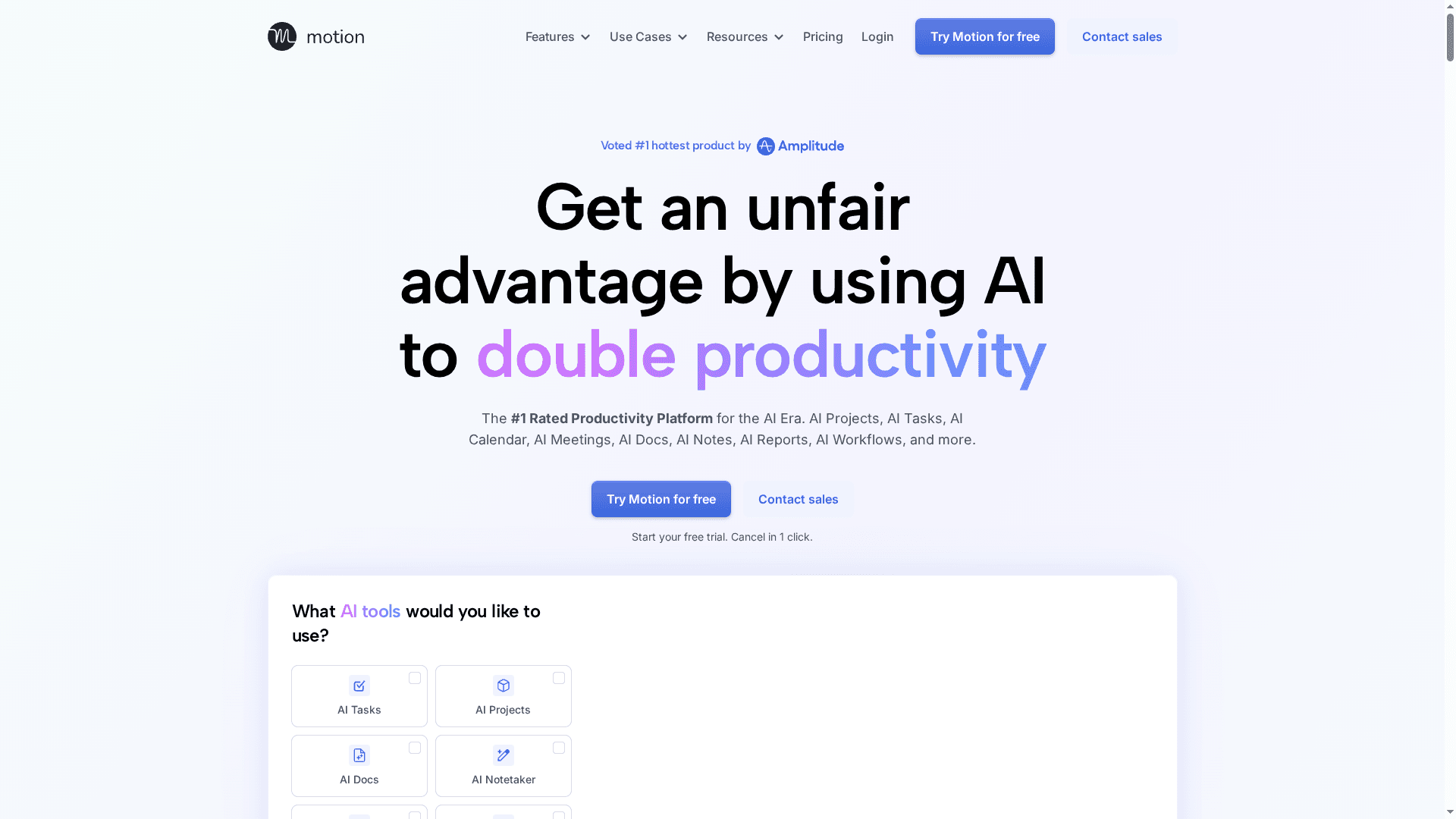
Motion is an AI-powered superapp that consolidates project planning, scheduling, notes, and automation into a single workspace. Its strength is a deep set of AI-driven tools — from task prioritization to meeting summaries — that reduce busywork and keep projects moving. Expect a learning curve up front and a need for human oversight on automated outputs, but for teams ready to invest, Motion can replace several standalone apps and speed up delivery.
Core Features
Motion bundles AI projects, AI tasks, an AI calendar, AI meetings, AI docs, AI notes, AI reports, and an AI workflow builder into one platform. The system prioritizes work, drafts and proofreads documents, captures meeting notes and action items, searches across all work content, predicts project ETAs, and allows creation of custom AI assistants and agents. In short: planning, execution, and reporting live in a single place, and many steps can be automated end-to-end.
Short break. Think of it as consolidating a messy desk into one smart drawer.
Pros
- Consolidates multiple tools into one platform: Motion replaces separate calendars, task apps, doc editors, and meeting-summary tools so you spend less time switching contexts.
- Advanced AI automation reduces manual work: Repetitive tasks — scheduling, follow-ups, drafting — can be handled automatically, freeing time for higher-value work.
- Context-aware assistance: The AI personalizes suggestions and prioritization based on your projects and behavior, making recommendations that fit real workflows.
- Supports team and enterprise workflows: Motion scales from individual users to teams, providing shared automation and reporting for collaboration.
Cons
- Potential learning curve for new users: The breadth of features means initial setup and mastery take time and patience.
- Automation may require review and oversight: Because outputs are AI-generated, you’ll still need to validate schedules, drafts, and task assignments to avoid mistakes.
- Pricing may be prohibitive for very small users: The feature set is expansive, and users who only need a few functions may find the per-seat pricing excessive.
Who It’s For
Motion is aimed at individuals, small teams, and larger organizations that want to move beyond fragmented apps and automate recurring work. If you manage campaigns, client projects, or a steady stream of meetings and deliverables, Motion helps consolidate workflows and reduce coordination overhead. It’s especially useful for teams ready to adopt AI into daily operations rather than those seeking a single lightweight tool.
Unique Value Proposition
Motion’s unique value is its all-in-one approach: multiple AI modules designed to work together rather than separate point solutions. That integration means tasks, calendar events, documents, and meeting outputs are contextually linked and can trigger automated follow-ups, improving handoffs and speeding delivery.
Real World Use Case
A marketing team uses Motion to plan campaign roadmaps, let the AI prioritize tasks, auto-generate meeting notes with action items, and track deadlines with AI ETA forecasts — resulting in faster campaign launches and fewer status-check meetings.
Pricing
Plans start at $19 per seat/month for Pro, $29 per seat/month for Business, with custom Enterprise pricing and options for monthly or annual billing.
Website: https://usemotion.com
AI Tools for Solopreneurs and Teams Comparison
This table compares AI-powered tools tailored for different business needs, including management, outreach, and automation, to help users make informed decisions on selecting the right platform.
| Product | Key Features | Pros | Cons | Pricing |
|---|---|---|---|---|
| Fluum | AI co-founder, CRM, storefront, payments, growth guidance | All-in-one solution, AI-driven insights, quick onboarding, seamless integrations, flexible pricing | None mentioned | Starts at $33/month, 14-day free trial |
| 11x | Digital workers for sales and RevOps, multilingual, enterprise security | Automates outreach, continuous learning, seamless integration | Limited pricing transparency, potential implementation complexity | Pricing unknown, contact for details |
| Happenstance | Social graph search, natural language interface, Slack/email integration | Deep personal network search, user-friendly queries, free tier | Limited data security info, premium features require subscription | Free basic plan, $24/month premium plan |
| Sintra | AI helpers for various business tasks, broad integrations, multilingual support | Wide range of helpers, robust integration, multilingual support | High pricing for small businesses, onboarding complexity | Starts at $7.80/month, $97/month for full access |
| Motion | Project planning, scheduling, AI-driven tools | Consolidates tools, advanced AI automation, context-aware assistance | Potential learning curve, requires oversight, pricing may be prohibitive for small users | Starts at $19 per seat/month |
Supercharge Your Solo Business Growth with Fluum
Scaling your solo business can be overwhelming when juggling client outreach, scheduling, payments, and sales—all crucial but time-consuming tasks highlighted in the recent “Top AI Business Assistants – Comprehensive Comparison 2025” article. If you relate to spending too much time putting out fires instead of focusing on your core creative or coaching work Fluum offers a tailored solution built specifically for solopreneurs and freelancers who want to grow without hiring a full team.
Fluum’s AI co-founder acts as your strategic partner automating daily operations like engaging potential clients on Instagram managing communications and processing payments seamlessly through an all-in-one platform. What makes Fluum stand out is its ability to learn from your business needs continuously delivering smart pricing and upselling suggestions to boost revenue while keeping your workflows stress-free and intuitive. Discover how to consolidate CRM storefront and payments effortlessly by exploring Fluum pricing and plans today.
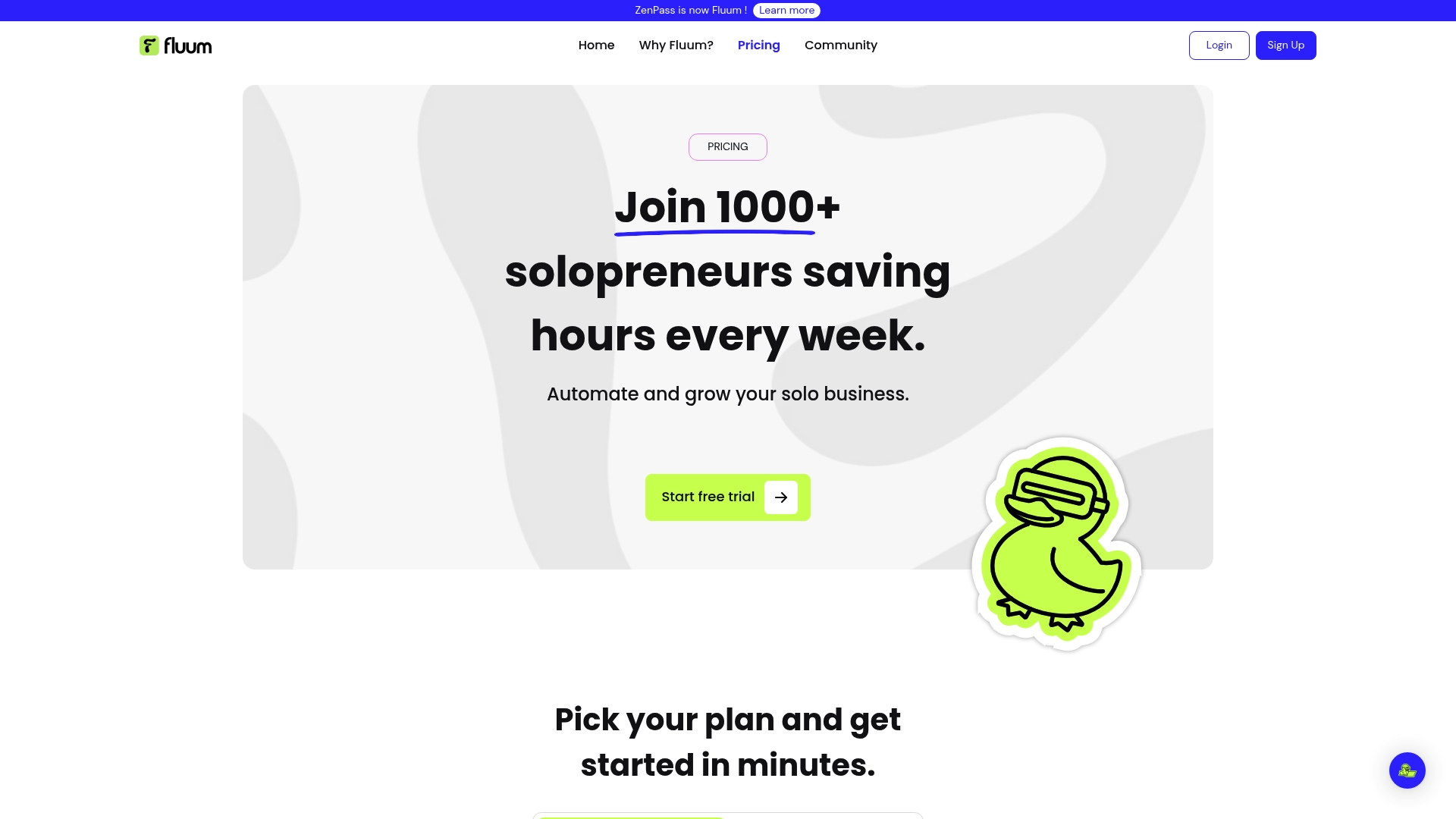
Ready to stop missing opportunities and transform your business operations with AI-driven insights and automation Visit Fluum Pricing now and start your free trial to experience how a true AI co-founder can help you focus on what matters most — your clients and growth.
Frequently Asked Questions
What features should I look for in an AI business assistant in 2025?
Look for features that automate daily operations, such as client management, sales outreach, and scheduling. Prioritize assistants that offer seamless integrations with your existing tools and provide AI-driven insights for decision-making.
How can I evaluate the effectiveness of different AI assistants for my business?
To evaluate effectiveness, set specific goals such as improving efficiency or increasing revenue within a certain timeframe. Track metrics like task completion time or client response rates to compare how each assistant impacts your productivity over a 30–60 day period.
Are there any AI business assistants designed specifically for solopreneurs?
Yes, many AI business assistants cater to solopreneurs by combining CRM, payment processing, and marketing automation in one platform. Assess which options provide tailored guidance and features conducive to independent workflows.
How much should I expect to invest in AI business assistants for my team?
Investment levels vary widely based on features and scale, ranging from budget-friendly monthly plans starting around $20 to premium plans exceeding $90 per month. Consider your team’s size and specific needs to justify cost versus expected benefits.
What are common integrations to look for in an AI business assistant?
Common integrations include calendars, payment processors, and email marketing tools that allow the AI assistant to work seamlessly with your current tech setup. Ensure compatibility with the platforms you already use to enhance workflow efficiency.
How quickly can I expect to see results when implementing an AI business assistant?
Most businesses report seeing improvements in efficiency and productivity within 30–60 days after implementation. Start by defining clear metrics to measure success right from the beginning.
Recommended
- Fluum | Effective Stress Management Techniques for Busy Professionals
- Fluum | How to Onboard Clients Effectively for Lasting Success
- Fluum | Master Managing Multiple Projects for Success
- Fluum | Build Your Brand with a Branding Builder in 2025
- Fluum | 7 Customer Retention Examples to Boost Your Business
- Understanding What Is Business Automation For Freelancers
- Understanding Making Business Decisions For Professionals
- Best Freelancing Platforms For Solopreneurs In 2025
- The Importance of Translation and Localization for Modern Business Success