

Running a solo business means juggling countless tasks every day. Finding new clients, sending invoices, scheduling meetings, and tracking progress can eat up time that could be spent growing your work or building real connections. Plenty of tools promise to help, each offering a mix of automation, insights, and ways to help you stay organized. What if you could find one approach that finally cuts through the clutter? The right choice can simplify your day and even unlock new opportunities that often hide in the busy details. Curious to see which options offer real solutions for professionals who want to do less admin and more of what they love? Let’s look closer at how different platforms tackle the daily grind.
Table of Contents
Fluum
At a Glance
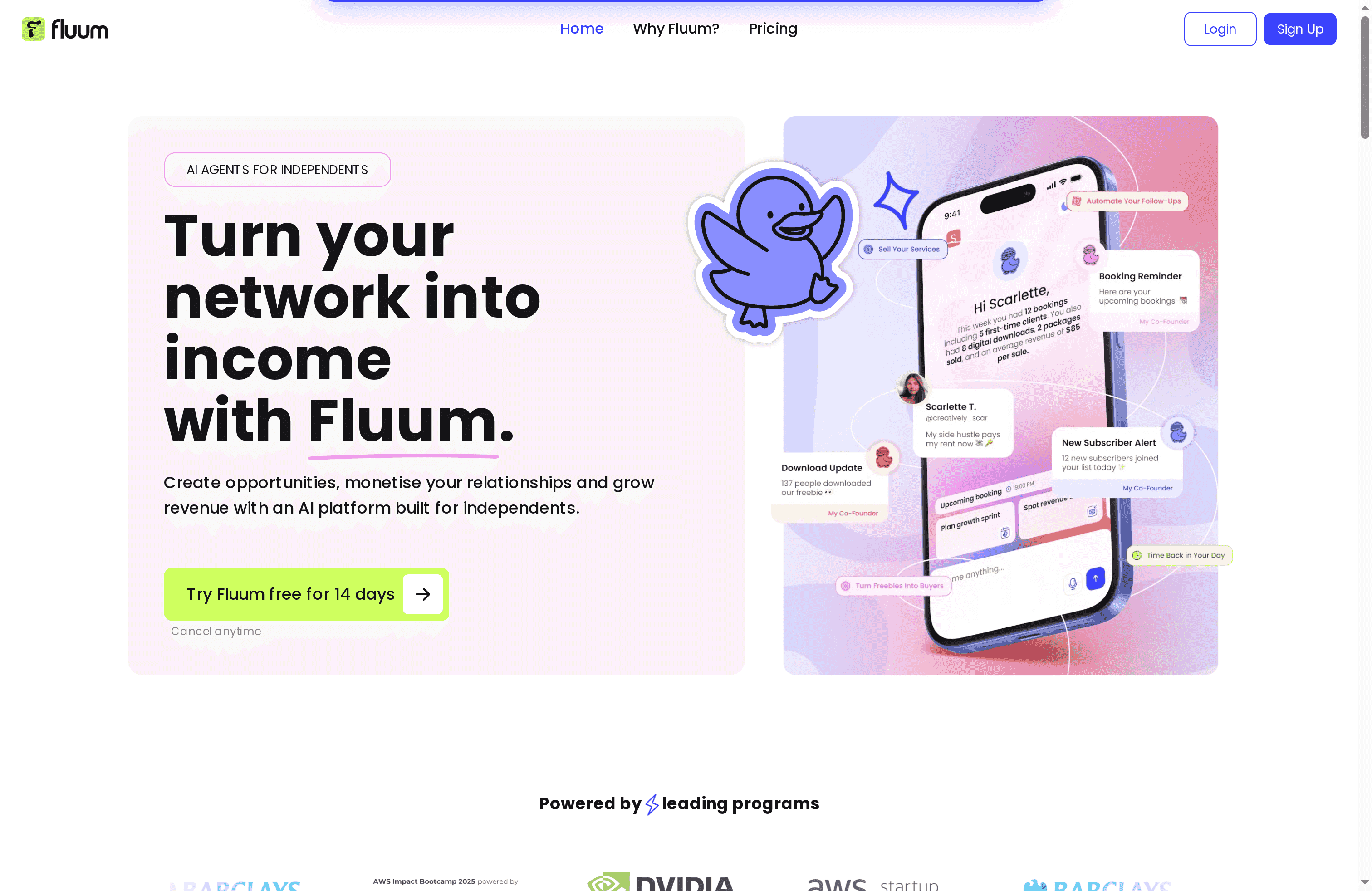
Fluum is an AI-powered platform built specifically for independents—coaches, consultants, creatives, and solo service providers—who want to scale without hiring a team. Its core strength is an AI co-founder made of specialized agents that automate outreach, client management, scheduling, and payments while learning from your behavior to improve recommendations over time. If you want to turn networks into income and reduce admin overhead, Fluum is designed for that exact purpose.
Core Features
Fluum combines an AI agent for discovering new clients and opportunities with a full client CRM that stores profiles, notes, contracts, and session histories. You get a branded storefront for bookings and selling digital products, automated payments, invoices, and reminders, plus smart scheduling that integrates with your personal calendar and avoids conflicts. The platform’s AI co-founder also delivers strategic insights—pricing suggestions, package ideas, and upsell opportunities—while lead tracking and scoring use AI analysis of platform activity and social media to prioritize outreach. Integrations with Google Calendar, Stripe, and Mailchimp keep the whole stack connected.
Pros
- All-in-one platform: Fluum consolidates client management, sales, scheduling, and marketing so you can run your business from one place without stitching tools together.
- AI-driven lead generation: The AI agent actively finds and scores new opportunities so you spend time closing, not hunting.
- Actionable business insights: The AI co-founder recommends pricing and package options based on your activity and goals, helping you make smarter decisions faster.
- Seamless payments and storefronts: Branded storefronts plus automated invoices and reminders streamline revenue collection and reduce friction for clients.
- Solid integrations and support: Native connections to common tools and a community of trusted testimonials make onboarding and daily use smoother.
Who It’s For
Fluum is ideal for independent professionals—solopreneurs, freelance consultants, life and business coaches, wellness practitioners, and creative entrepreneurs—who want to grow revenue and automate repetitive work. It’s tailored to users who value intelligent automation and prefer an integrated system over piecing together multiple apps. If you’re a complete beginner who wants minimal setup, expect a learning curve; Fluum favors depth and capability for working independents.
Unique Value Proposition
Fluum’s unique advantage is its AI co-founder architecture: multiple specialized agents working together to automate outreach, business operations, and strategic decision-making while learning from your behavior. That combination turns passive contacts into prioritized leads, automates payments and scheduling, and continuously refines pricing and package recommendations. The result is not just automation but an adaptive business partner that helps you scale without hiring. Unlike generic tool suites, Fluum is purpose-built for solo providers—melding CRM, storefront, payments, scheduling, lead scoring, and AI strategy into one cohesive platform.
Real World Use Case
A solo coach uses Fluum to display offerings on a personalized storefront, schedule sessions via an integrated calendar, accept automated payments through Stripe integration, and rely on the AI agent to surface promising social leads. Follow-ups, session notes, and invoicing flow without manual steps, freeing time for coaching and client work.
Pricing
Plans start at $33/month for the Grow plan, with a Pro plan at $99/month. Both plans include a 14-day free trial and cancellation at any time, and annual billing options provide discounts.
Website: https://fluum.ai
HoneyBook

At a Glance
HoneyBook is an AI-powered client relationship platform built to consolidate client management, proposals, contracts, scheduling, and payments into a single workflow. For freelancers and small business owners who juggle administrative tasks with creative work, it streamlines repetitive steps and surfaces helpful automation. It’s especially strong at turning inquiries into signed contracts and paid invoices quickly. That said, pricing tiers and regional availability can limit access for some solopreneurs.
Core Features
HoneyBook bundles CRM-style client management with interactive files, proposals, contracts, and invoicing, all tied into scheduling and calendar integration. It supports online payment processing with multiple options and layers AI-driven automation through HoneyBook AI to automate workflows and generate business insights. The platform also offers customizable templates and branding to keep client-facing materials consistent and professional.
Pros
- All-in-one platform: HoneyBook combines client management, proposals, contracts, invoicing, scheduling, and payments so you can reduce the number of tools you manage.
- AI-powered automation: The built-in AI tools automate follow-ups, workflows, and administrative tasks to save time and reduce manual errors.
- Flexible for multiple industries: The feature set supports a wide range of small business needs—from creative freelancers to consultants—so it adapts to different service models.
- Customizable templates and branding: You can present polished proposals and contracts that match your brand, which helps maintain a professional client experience.
- Support resources and community: HoneyBook provides learning resources like blogs and business academies that help users adopt best practices quickly.
Cons
- Pricing may be a barrier for some: Plans start at $29/month billed yearly, which can stretch the budget of new or micro businesses that need free or lower-cost options.
- Key features behind higher tiers: Some advanced capabilities and deeper integrations may require upgrading to more expensive plans, forcing trade-offs for budget-conscious users.
- Limited geographic availability: HoneyBook is currently focused mainly on U.S. and Canadian users, which restricts full access for many international solopreneurs.
Who It’s For
HoneyBook is ideal for small business owners, freelancers, and independent professionals in creative, service, or consulting fields who want a single place to manage clients from first contact through payment. If you sell hourly services, packaged offerings, or projects and need to standardize proposals and payment flows, HoneyBook is a practical fit.
Unique Value Proposition
HoneyBook’s strength is its ability to convert scattered administrative tasks into a cohesive, branded client journey—backed by AI automation. That combination helps you spend less time on paperwork and more on billable work, while keeping client interactions professional and predictable.
Real World Use Case
A photographer uses HoneyBook to capture inquiries from a contact form, send a branded proposal with contractual terms, let clients book sessions on an integrated calendar, and accept deposits or final payments online. Automation handles reminders and follow-ups so the photographer spends less time chasing invoices and more time shooting.
Pricing
Plans start from $29/month billed yearly, with additional options at $49/month and $109/month billed yearly. There are discounts for annual billing and promotional offers.
Website: https://honeybook.com
HoneyBook
At a Glance
HoneyBook is an AI-powered client relationship platform that bundles proposals, contracts, invoicing, scheduling, and automations into a single workspace. It’s built for small business owners and independent professionals who want to reduce admin overhead and present a polished, branded client experience. The platform’s strength is its all-in-one flow that moves a lead from proposal to payment without forcing you to stitch multiple apps together. Expect a modest learning curve, and note it’s optimized primarily for U.S. and Canada users.
Core Features
HoneyBook combines interactive client files and CRM tools with online invoicing and payment processing, plus scheduling and calendar integration. It offers proposal and contract templates with e-signatures and custom branding, AI-powered automations and insights, and financial management features that cover expenses, taxes, and cash flow planning. Integrations include QuickBooks, Zoom, Canva, and Zapier so you can connect existing tools into a single client workflow.
Short. Focused. Useful.
Pros
- All-in-one platform reduces app overload: You can manage client relationships, projects, and finances from one dashboard, which cuts the friction of switching between tools.
- Customizable templates and branding: Proposals, contracts, and forms can be tailored to match your brand, helping you look professional to clients.
- Strong automation features save time: AI-powered automations and insights automate common follow-ups and workflows so repetitive tasks require less hands-on work.
- Broad industry applicability: HoneyBook fits creative, service, and personal businesses — from event planners to marketing consultants.
- Mobile app support lets you work on the go: You don’t have to be at a desktop to manage bookings or send invoices.
Cons
- Primarily focused on U.S. and Canada customers: International support and payments are limited, which may complicate work with overseas clients.
- Pricing can feel steep at either extreme of team size: Very small solo operators or larger teams may find the tiered costs less flexible compared with pay-as-you-grow alternatives.
- Some features require a learning curve: Advanced automations and financial planning tools take time to master before you see their full payoff.
Who It’s For
HoneyBook is aimed squarely at small business owners and independent professionals — photographers, event planners, creatives, consultants, and coaches — who want an integrated platform to manage leads, contracts, scheduling, and payments. If you value a polished client experience and want to reduce busywork with automation, HoneyBook is a practical choice.
Unique Value Proposition
HoneyBook’s unique value is the combination of a branded client-facing flow and AI-powered automations that carry a client from inquiry to payment inside one platform. That streamlined continuity shortens project turnaround and enhances professionalism without needing a large support team.
Real World Use Case
A photographer uses HoneyBook to send a branded proposal, collect a signed contract, schedule the shoot via calendar links, and invoice the client — all within the same client file. Payments and basic cash flow tracking are handled in-platform, saving hours per booking and reducing missed invoices.
Pricing
Plans start from $29/month (billed yearly) for the Starter plan, with Essentials at $49/month and Premium at $109/month, all billed yearly and offering progressively more features and support.
Website: https://honeybook.com
Dubsado
At a Glance
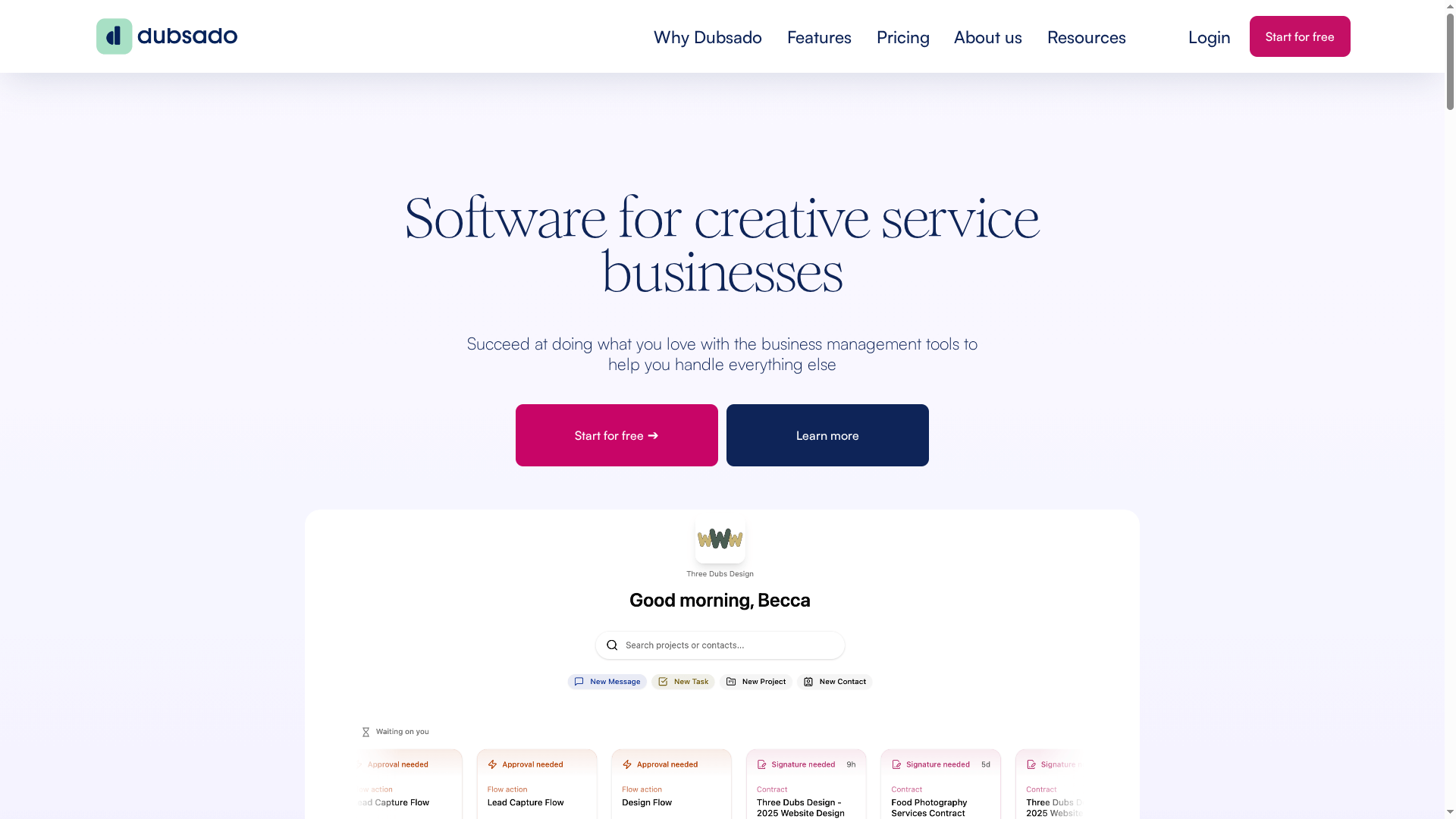
Dubsado is a business management platform built for creative service entrepreneurs, trusted by over 120,000 users since 2016. It centralizes client capture, proposals, contracts, invoicing, and client portals into one system so you can trade busywork for billable hours. For solo service providers who want repeatable processes and a polished client experience, Dubsado delivers strong automation and branding tools — though some advanced capabilities live behind higher-tier pricing.
Core Features
Dubsado combines client management and communication tools with automated workflows to handle repetitive onboarding and follow-ups. You can create and send proposals and contracts, accept payments through invoicing and payment processing, and give clients secure access via client portals. The platform also supports branded forms and email templates, mobile app access, and integrations to connect with other tools you already use.
Pros
- Streamlines operations and client communication: Dubsado centralizes conversations, forms, and project details so you spend less time hunting for information.
- Automates repetitive tasks: Automated workflows reduce manual steps for onboarding, reminders, and follow-ups, freeing you to focus on craft and clients.
- Comprehensive toolset in one place: Proposals, contracts, invoicing, client portals, and branded templates live together, which simplifies your tool stack.
- Supports multiple brands and team members: If you run more than one business or plan to scale with contractors, Dubsado handles separate brand setups and user roles.
- Mobile access and integrations: The mobile app and available integrations let you manage clients and payments from your phone and link Dubsado to other services.
Cons
- Advanced features locked to higher tiers: Scheduling and some automation capabilities require the Premier or higher plans, which limits full functionality for lower-priced users.
- Requires a learning curve: To design dependable workflows and fully use proposals, contracts, and automation, you’ll need time to learn the system.
- Pricing can be a barrier for very small starters: Although billed annually, the Starter and Premier price points may feel expensive for new solo practitioners who are budget-sensitive.
Who It’s For
Dubsado is ideal for creative service entrepreneurs — photographers, designers, coaches, and consultants — who want to automate client workflows and present a branded, professional experience without juggling multiple apps. If you value repeatable processes and plan to scale with team members or multiple brands, Dubsado is a natural fit.
Unique Value Proposition
Dubsado’s strength is packaging client lifecycle tools (from lead capture to payment) with robust automation and branding options tailored to service businesses. That reduces friction in onboarding and client management so you can convert leads and collect payments with a consistent, professional touch.
Real World Use Case
A photographer uses Dubsado to send branded proposals, automate client onboarding sequences, manage shoot schedules and deliverable deadlines, and issue invoices that clients can pay online — enabling more time behind the camera and less in email threads and spreadsheets.
Pricing
Dubsado’s pricing is billed annually with a Starter plan at $200 per year and a Premier plan at $400 per year; additional costs apply for extra users and premium features like advanced scheduling and automation.
Website: https://dubsado.com
Bonsai

At a Glance
Bonsai is an all-in-one business management platform aimed at service-based businesses that need a single place to manage projects, clients, and billing. It shines at consolidating administrative work with automation and live reporting, which can noticeably reduce time spent on repetitive tasks. That said, occasional service interruptions and a learning curve for its deeper features mean it’s best for users ready to invest a little setup time. For small teams and agencies wanting cleaner workflows, Bonsai is a strong, practical choice.
Core Features
Bonsai combines project management, finance and client management with automation and reporting in one platform. Project tools help you organize and monitor delivery, while finance features include revenue tracking, recurring payments, retainer management, and detailed reports. Client management streamlines leads and workflows, and automation features reduce manual steps. Reporting surfaces KPIs and financial metrics with live updates and integrations (for example, QuickBooks and Zapier) so your numbers stay current across systems.
Pros
- All-in-one consolidation saves time: Bonsai brings projects, clients, and billing together so you’re not switching between five different apps. This reduces context switching and administrative overhead.
- Flexible plans for different team sizes: Multiple pricing tiers let teams scale from solo operators to larger agencies without changing platforms.
- Automation and integrations boost efficiency: Built-in automation and integrations with tools like QuickBooks and Zapier reduce repetitive tasks and data entry.
- Customizable onboarding and dedicated support: Hands-on onboarding and support options help teams transition more smoothly and address setup questions.
- Customer-reported time savings and improved organization: Users report meaningful reductions in admin time and clearer workflows after consolidating on Bonsai.
Cons
- Technical and accessibility interruptions can occur: Users have reported occasional service issues that affect website and app accessibility, which can interrupt workflows.
- Full feature set requires adaptation time: The platform’s breadth means there’s a learning curve before you’ll use all capabilities efficiently.
- Pricing may be a consideration for smaller solos: Depending on the plan you choose, costs can add up for solopreneurs or very small teams.
Who It’s For
Bonsai is designed for service-based businesses, freelancers, startups, and agencies that want to centralize project, client, and financial management. If you spend several hours a week shuffling invoices, chasing retainers, or reconciling project work across tools, Bonsai is built to simplify that routine. Ideal buyers are those prepared to invest a short onboarding period to save ongoing administrative time.
Unique Value Proposition
Bonsai’s core value is unification: combining project delivery, client workflows, billing, automation, and live reporting into a single, cohesive workspace. That unified view — plus integrations that keep financial data synced — is what lets teams stop managing tools and start managing clients and growth.
Real World Use Case
A creative agency uses Bonsai to consolidate project management, client communication, invoicing, and workflow automation. By moving contracts, recurring payments, and project timelines into one platform, the agency cuts admin time, reduces missed invoices, and delivers a more consistent client experience.
Pricing
Plans start at $9 per user/month for basic tiers and go up to $49 per user/month for elite tiers, with monthly or yearly billing options and discounts for paying annually upfront.
Website: https://hellobonsai.com
17hats

At a Glance
17hats is a focused CRM and small business management platform built for solo owners who want to cut administrative overhead and keep client work organized. It bundles contact and project management, automated workflows, online scheduling with payment processing, and basic financial tools into one interface. That all-in-one approach can save hours each week, but the platform’s pricing and feature complexity may feel heavy for brand-new or very small operations.
Core Features
17hats consolidates core business operations: an unlimited-contact CRM with project tracking, an all-in-one dashboard to see contacts, projects, finances, and tasks at a glance, and automated workflows that handle emails, documents, and reminders. It includes online scheduling tied directly to payments via Stripe, Square, and PayPal, plus invoicing, bookkeeping, and sales tax reporting to support simple financial management. The feature set is explicitly targeted at service-based solo businesses such as photographers, coaches, and designers.
Pros
- Comprehensive all-in-one platform: It reduces the need to stitch together multiple apps by covering CRM, scheduling, invoicing, and workflows in a single product.
- Automation features save time and reduce errors: Built-in workflows for emails, contracts, and reminders help prevent manual follow-ups and missed steps.
- Customizable templates and fields: You can tailor documents and data fields to match your business processes rather than forcing a one-size-fits-all setup.
- Support for online payments and scheduling: Native integrations with Stripe, Square, and PayPal make it straightforward to collect deposits and full payments at booking.
- Flexible pricing options with trial: Multiple payment cadences including monthly, yearly, and bi-yearly plans are available, and a trial period lets you test the platform first.
Cons
- Pricing may be expensive for very small or new businesses: The listed plans are positioned at a level that could be prohibitive for sole proprietors just starting out.
- Complexity might require onboarding or training: The breadth of features creates a learning curve that may demand upfront setup time or guided onboarding.
- Some features depend on third-party integrations: Certain capabilities rely on external services, which can complicate setup and create additional costs.
Who It’s For
If you run a solo service business and you want one place to manage inquiries, contracts, bookings, invoices, and basic bookkeeping, 17hats is aimed at you. It particularly fits photographers, coaches, designers, and other service providers who juggle client projects and want to automate repetitive admin work so they can focus on delivering their services.
Unique Value Proposition
17hats’ strength is its tightly integrated workflow: it joins client communication, scheduling, payment collection, and financial reporting in a single product so you can move from inquiry to invoice without switching tools. For solopreneurs who value consolidation over best-of-breed point solutions, that streamlined continuity is the main draw.
Real World Use Case
A wedding photographer can use 17hats to capture leads, send customizable contracts, automate reminder emails, schedule final consultations with payment links, invoice post-shoot balances, and generate simple sales tax reports — freeing up time to shoot and edit instead of chasing paperwork.
Pricing
All features, 3 ways to pay: Monthly at $60/month (with a 7-day free trial), yearly at $600/year (equivalent to $50/month and includes a 7-day free trial), or bi-yearly at $800 for two years (equivalent to $33.33/month, also with a 7-day free trial). A discount is available for annual and bi-annual plans, with a 50% savings and a 30-day money-back guarantee.
Website: https://17hats.com
CoachAccountable
At a Glance
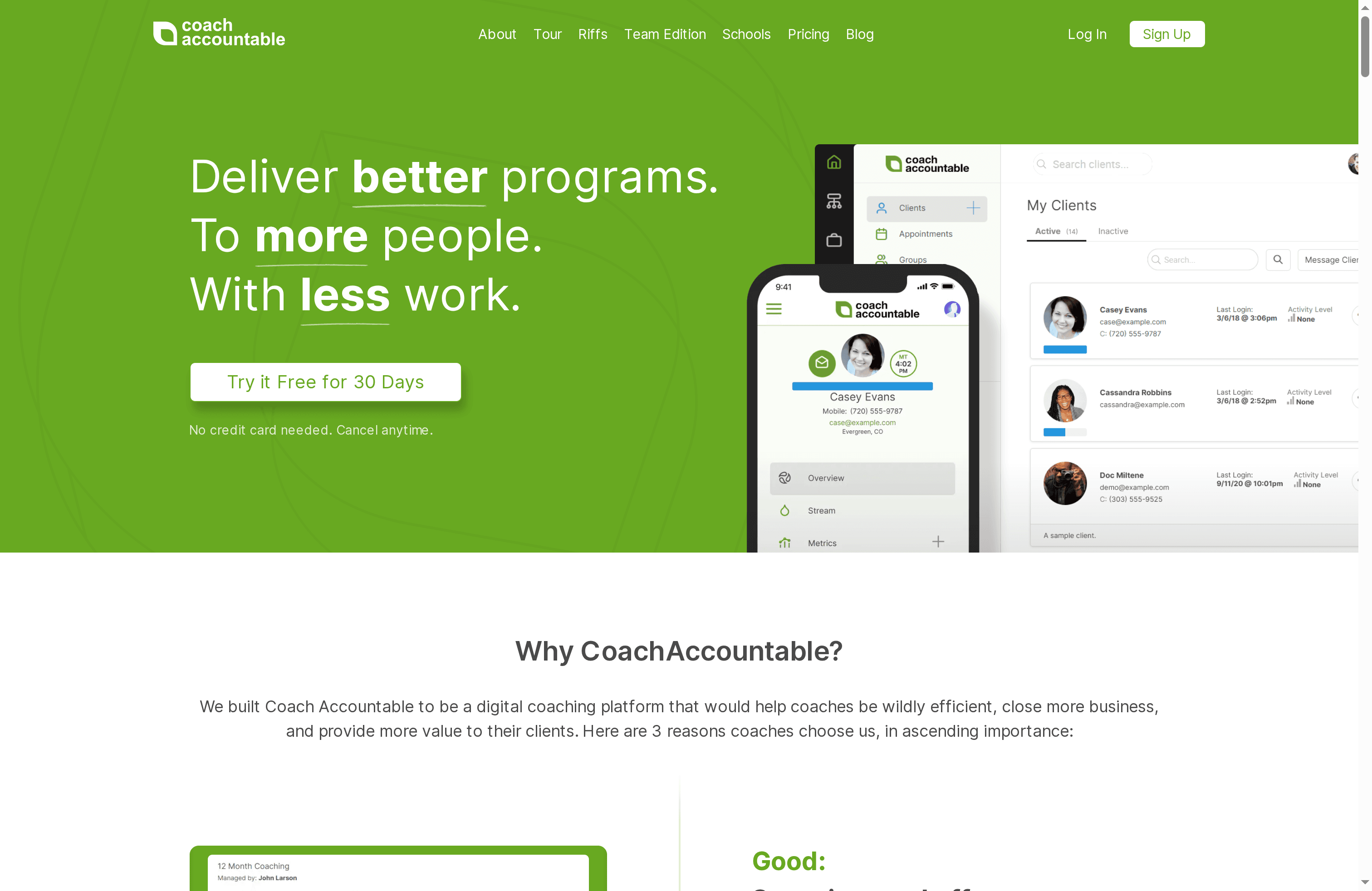
CoachAccountable is a purpose-built coaching platform that helps coaches run more professional, efficient, and results-driven practices. It automates routine admin tasks, supports client progress between sessions, and scales from solo practitioners to organizational deployments. If you want fewer manual processes and clearer client outcomes, this tool is built for that — but it does come with language and compliance limitations to weigh.
Core Features
CoachAccountable focuses on workflow automation and client success tracking: automated administrative tasks, client reminders, progress tracking tools, online course and coaching-plan delivery, group coaching support, mobile app engagement, customizable branding and white-labeling, and integrations with payment processors and API access. Those capabilities combine to reduce busywork while keeping client engagement consistent and measurable.
Simple. Effective.
Pros
- Saves time through automation: The platform automates routine admin tasks and reminders so you can spend more time coaching and less time on follow-ups.
- Helps attract and retain clients: Built-in professionalism and progress tracking make it easier to demonstrate results and close more clients.
- Supports long-term engagement: Tools for between-session support and progress tracking help clients stay on track and improve outcomes over time.
- Scales across practice sizes: From individual coaches to organizations, the system supports group programs and multiple coaches without extra setup fees.
- Low barrier to try: You can get started without upfront fees or a credit card, which reduces friction for new users.
Cons
- UI is only available in English, which can limit non-English-speaking coaches and clients.
- Not HIPAA compliant, which may be a deal-breaker for health-related or sensitive coaching programs.
- Pricing can be high for very small practices, making the platform less cost-effective for coaches with only a handful of active clients.
Who It’s For
Professional coaches, coaching organizations, and institutions that need to streamline operations and demonstrate measurable client progress will get the most value. If you run a growing practice, manage multiple coaches, or deliver scalable online courses and group programs, CoachAccountable fits naturally into that workflow.
Unique Value Proposition
CoachAccountable’s strength is its coaching-centric automation and measurement: it’s built around the coaching lifecycle rather than bolting coaching features onto a generic CRM. That focus lets you standardize delivery, white-label the experience, and use tracking and courses to turn one-off clients into longer-term programs.
Real World Use Case
A life coach uses CoachAccountable to automate client reminders, deliver structured coaching plans and online tools, and record client progress between sessions. The result: fewer missed sessions, clearer progress reports, higher client retention, and the capacity to add more clients without proportionally increasing admin time.
Pricing
Pricing scales by active clients: plans start at $20 per month for 2 clients and rise through tiers up to $4,000 per month for 1,000 clients. There are no setup fees, no cancellation hassles, and no additional charges for team members or admin accounts.
Website: https://coachaccountable.com
practice
At a Glance
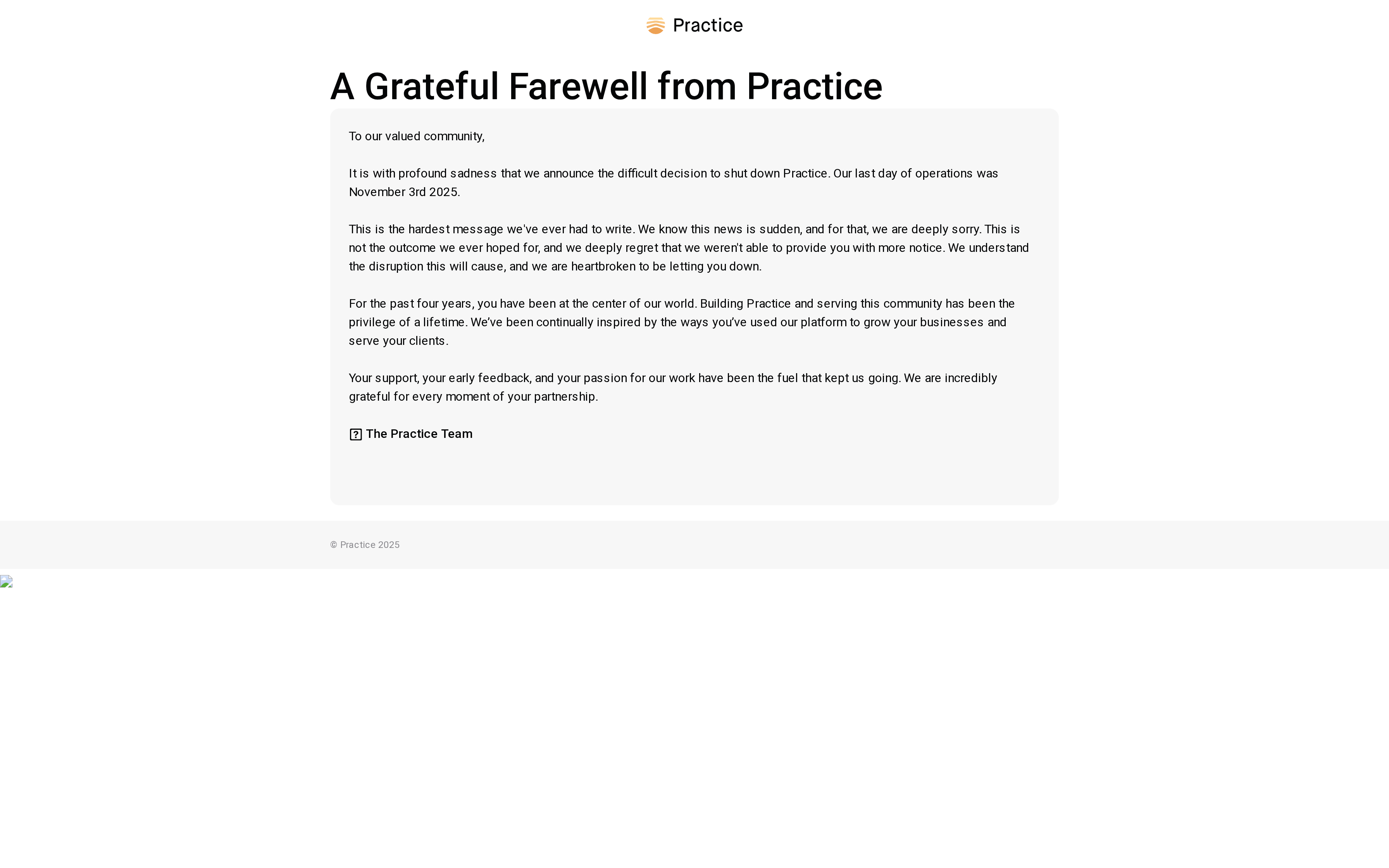
Practice was a platform designed to help professionals build and grow their businesses while serving clients and engaging with a community of peers. The platform combined client management tools with community features and positioned itself as a space for professional development. Unfortunately, Practice announced its closure in November 2025 after four years of operation, leaving users to transition away from the service. Bottom line: it looked and felt like a community-first business tool, but its abrupt shutdown is the most important reality to weigh.
Core Features
Practice was built around three core capabilities: a platform for building and growing professional businesses, client management tools, and community engagement features. These elements were presented as an integrated experience for service providers who wanted both operational tools and peer connection in one place. While specific technical details are limited in the source data, the combination suggests the product aimed to support scheduling, client interaction, and community-driven learning and referrals.
Pros
- Supportive community for professionals: Practice cultivated a community that many users found encouraging and helpful for professional development and peer networking.
- Tools to help grow your business: The platform bundled business-growth capabilities with client-facing tools, which made it easier for professionals to focus on scaling their practice.
- Positive feedback from early users: During its operation, Practice received favorable responses from early adopters who appreciated the product’s intent and execution.
- Inspiring and passionate user base: The community attracted engaged, passionate professionals who contributed to a motivating environment.
- Designed to facilitate professional development: Practice positioned itself as more than a CRM by including features meant to support learning and professional growth.
Cons
- Platform shut down unexpectedly, which may cause disruption: The sudden closure in November 2025 created immediate operational gaps for users who relied on Practice for client management and community access.
- Limited information on specific tools and features available prior to shutdown: Public-facing descriptions and feature details appear sparse, making it hard to evaluate exact functionality or compare features side-by-side.
- No current support or services after the closure: With the platform closed, there is no ongoing technical support, product updates, or customer service available from Practice.
Who It’s For
Practice was best suited to professionals and service providers—therapists, coaches, consultants, and similar solo or small-team practitioners—who wanted a combined space for client management and community-driven growth. If you value peer interaction alongside practical business tools, Practice would have been a natural fit.
Unique Value Proposition
Practice’s distinct proposition was its blend of community and business tools: not just software to manage clients, but a platform to learn, share, and grow with other professionals. That mix aimed to reduce isolation and accelerate development for independent practitioners.
Real World Use Case
A therapist using Practice could manage client appointments and records while also participating in peer discussions and professional development groups hosted on the platform. That dual use—operational and communal—was a hallmark example of how Practice was intended to serve its audience.
Pricing
Not available (platform is shut down).
Website: https://practice.do
Business Management Tools Comparison
This table compares several business management platforms designed for freelancers, solopreneurs, and small businesses, highlighting features, pros, cons, pricing, and usability.
| Platform | Key Features | Pros | Cons | Pricing |
|---|---|---|---|---|
| Fluum | AI co-founder, CRM, storefronts, scheduling, payment automation | All-in-one, AI-driven insights, seamless payments | Learning curve for beginners | $33/month (Grow) |
| HoneyBook | Client management, proposals, contracts, invoicing, scheduling | All-in-one, AI-powered automation, customizable templates | U.S. and Canada-centric, pricing for small budgets | $29/month (annual) |
| Dubsado | Client capture, proposals, contracts, invoicing, client portals | Streamlines operations, automation, supports multiple brands | Advanced features in higher tiers, learning curve | $200/year (Starter) |
| Bonsai | Project management, finance, client management, automation, reporting | All-in-one, flexible plans, automation, dedicated support | Occasional service issues, learning curve | $9-$49/user/month |
| 17hats | CRM, project tracking, workflows, scheduling, payment processing | Comprehensive, automation, customizable templates | Pricing for small businesses, complexity | $60/month (monthly) |
| CoachAccountable | Workflow automation, client tracking, group coaching, branding | Automation, client retention, scalable | UI in English only, not HIPAA compliant | $20/month (2 clients) |
| Practice | Client management, community features | Supportive community, tools for growth, positive feedback | Platform shut down, no support | Not available (closed) |
Scale Your Solo Business with Intelligent Automation and Smarter Growth
Managing client outreach, scheduling, payments, and sales all by yourself can quickly feel overwhelming. The article highlights how busy solopreneurs and freelancers struggle with juggling these daily operations while trying to grow their business strategically. If you find yourself buried in admin tasks or unsure how to prioritize leads and pricing decisions, you are not alone. Key challenges include reducing repetitive work, converting passive contacts into paying clients, and gaining real-time insights to make smarter business moves.
Fluum is built exactly for these pain points. Its AI co-founder learns from your unique workflow and business goals, automates outreach on platforms like Instagram, handles scheduling, manages client communication, and even streamlines payments. This allows you to finally focus on what you love while your AI partner takes care of the rest. With Fluum’s AI-powered platform, you get not only automation but a strategic growth partner that helps you scale without the overhead of a team.
Ready to transform your business in 2025? Discover how Fluum’s adaptive AI can make solopreneurship efficient and scalable today.
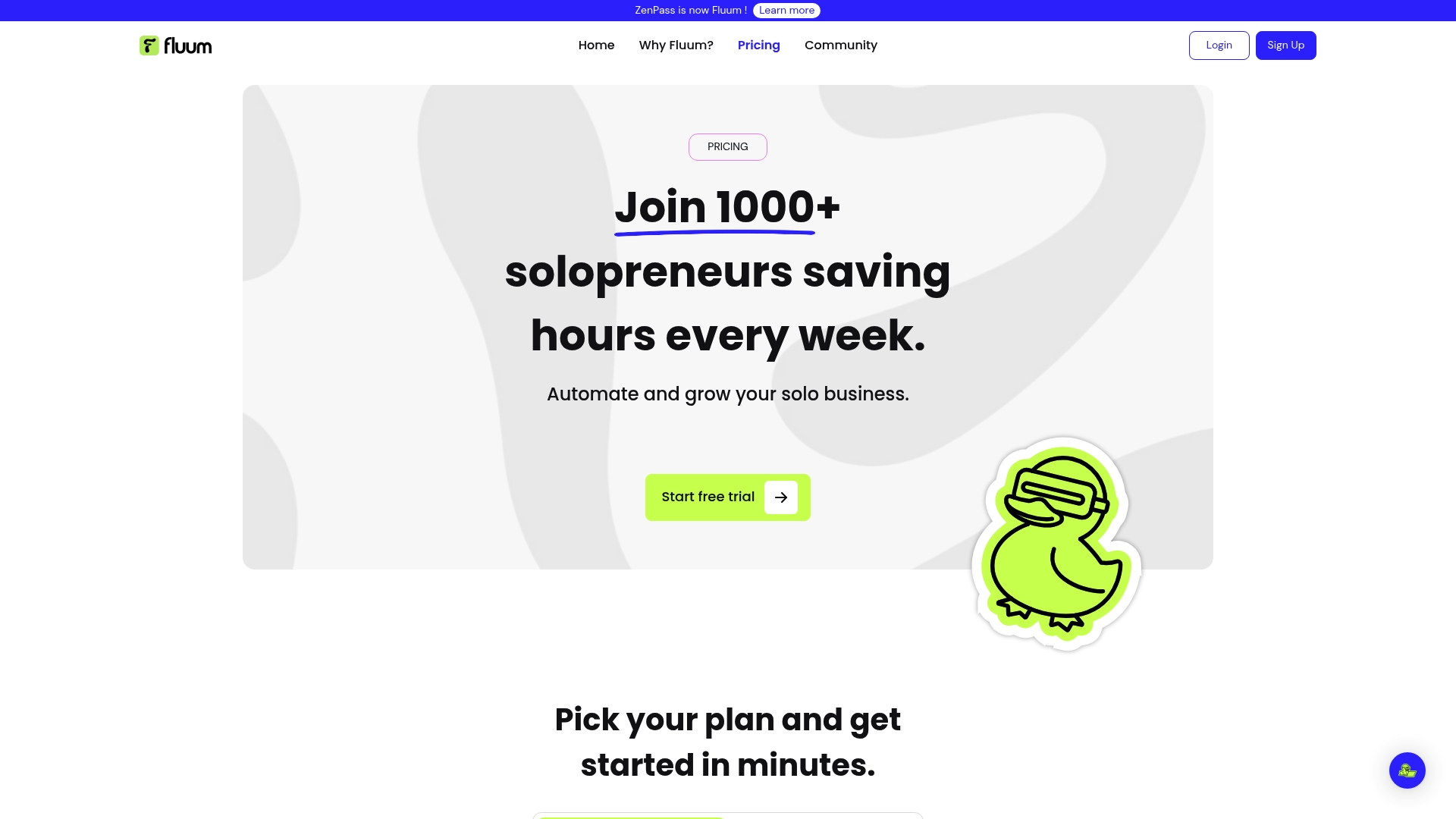
Take control of your time and growth with Fluum. Visit Fluum Pricing & Plans to start your 14-day free trial and step into a smarter way to run your solo business now.
Frequently Asked Questions
What are the key features to look for in a business management tool?
A business management tool should offer features like project management capabilities, client relationship management (CRM), financial management, and automation tools. Assess your specific needs and prioritize tools that streamline your workflows, enhance collaboration, and centralize your operations to save time and improve efficiency.
How can I determine if a business management tool is suitable for my team?
Evaluate potential tools by assessing their scalability, user interface, and integration capabilities with your existing systems. Consider conducting a trial period, if available, to gather feedback from your team and ensure it simplifies operations within 30 days.
What type of pricing structures do business management tools typically offer?
Most business management tools offer tiered pricing plans based on features and the number of users. Review the pricing options carefully, considering your budget and the size of your team to avoid overspending on unnecessary features.
How do I successfully implement a new business management tool in my organization?
Start by mapping out your workflows and identifying areas for improvement before introducing the new tool. Facilitate training sessions for staff to ensure they understand how to use the tool effectively, aiming for full adoption within 30-60 days to maximize the benefits.
What common challenges should I be aware of when using business management tools?
Common challenges include user resistance to change, integration issues with existing systems, and the learning curve associated with new software. To mitigate these challenges, actively involve your team in the selection process and provide ample support and training during implementation.
How can a business management tool help improve client engagement?
A business management tool can streamline communication, automate follow-ups, and provide insights into client behavior. Use these features to enhance your responsiveness and personalize interactions, which can lead to increased client satisfaction and retention.
Recommended
- Fluum | Effective Stress Management Techniques for Busy Professionals
- Fluum | How to Onboard Clients Effectively for Lasting Success
- Fluum | Master Managing Multiple Projects for Success
- Fluum | Build Your Brand with a Branding Builder in 2025
- Fluum | 7 Customer Retention Examples to Boost Your Business
- Complete Guide To Business Decision-Making Success
- Business And Decisions: Complete Guide For Solopreneurs
- 7 Essential Productivity Apps for Businesses to Boost Efficiency – Projector Display
- Tech for Small Businesses: Complete Guide for 2025 – Projector Display